The 14 Best Donor Management Software Options for 2026



Donor management software helps nonprofits organize supporter data, personalize outreach, and retain more donors over time. This guide compares 14 top solutions—including features, pricing, and ideal use cases—so your organization can find the right fit for 2026.
Personalization is no longer optional in fundraising. 52% of consumers say their satisfaction improves when digital experiences feel more personal. Donors want to feel understood as individuals—not just entries in a spreadsheet. The right donor management software makes that possible at scale.
The nonprofit CRM market reflects this demand: valued at $4.25 billion in 2024 and projected to reach $7.35 billion by 2031.
What is donor management software?
Donor management software (also known as a nonprofit CRM or donor database) is a type of nonprofit software that helps organizations track, assess, and grow their relationships with donors. By storing this data in one place, you can create a more effective fundraising and communication strategy and deepen donor relationships.
You may have heard this software referred to by a few different names, including donor management software, nonprofit CRM, donor database, donor software, and donor tracking software. Each refers to the same database used to manage supporter data.
Because of these systems’ benefits, the nonprofit CRM market was valued at $4.25 billion in 2024 and is projected to reach $7.35 billion by 2031.
“When you’re starting out with fewer than 100 donors, a spreadsheet can do the job. But growth has a way of making things complicated. Soon you’re tracking monthly donors, major donors, legacy prospects, conversations, preferences, and a whole lot more. Donor management software keeps everything in one place so you can spend less time wrestling with data and more time building relationships.” - Rachel Muir, CFRE
Top 14 donor management software solutions
The first step to finding the perfect donor management software for your organization is to review potential solutions. Below, we’ll discuss some top donor management software systems and compare them based on features and pricing.
Product capabilities and pricing can change. Confirm current details directly with each provider before purchasing.
1. Bloomerang
Ideal for: Nonprofits of any size that want to improve donor retention and raise more funds from existing supporters.

Bloomerang overview
Bloomerang CRM is our top-recommended donor management software. Bloomerang is a unified giving platform built specifically for nonprofits, combining donor management, online fundraising, engagement tools, and reporting to help organizations build stronger relationships and raise more funds.
At its core, Bloomerang is designed to help nonprofits retain more donors and grow generosity over time. You can track your donor retention rate directly from your dashboard, monitor trends, and use built-in insights to understand who’s most likely to give again and how to engage them more meaningfully.
This donor management software is best for…
Any nonprofits that want to increase donor retention. The top 20% of nonprofits using Bloomerang CRM see an average first-time donor retention rate of 47%, which is 28.5 points higher than the industry average of 18.5%! So, if donor retention rate is important to you, Bloomerang CRM is the best choice.
Favorite features
With Bloomerang, you can access donor management features like:
- Constituent timelines to view each donor’s past interactions with your organization
- Fundraising tools to collect online donations and automatically generate new donor profiles or add information to existing profiles
- Engagement and generosity scores for each supporter that reveal their giving capacity and likelihood
- Data segmentation capabilities to group donors based on shared characteristics and send tailored marketing messages to each group
- Custom reports to dig into the metrics that matter most to your unique fundraising and marketing strategies
Pricing
Visit our pricing page to explore our additional helpful tools and get a demo.
2. DonorDock
Ideal for: Small nonprofits that want a simple, approachable donor management system without a steep learning curve.
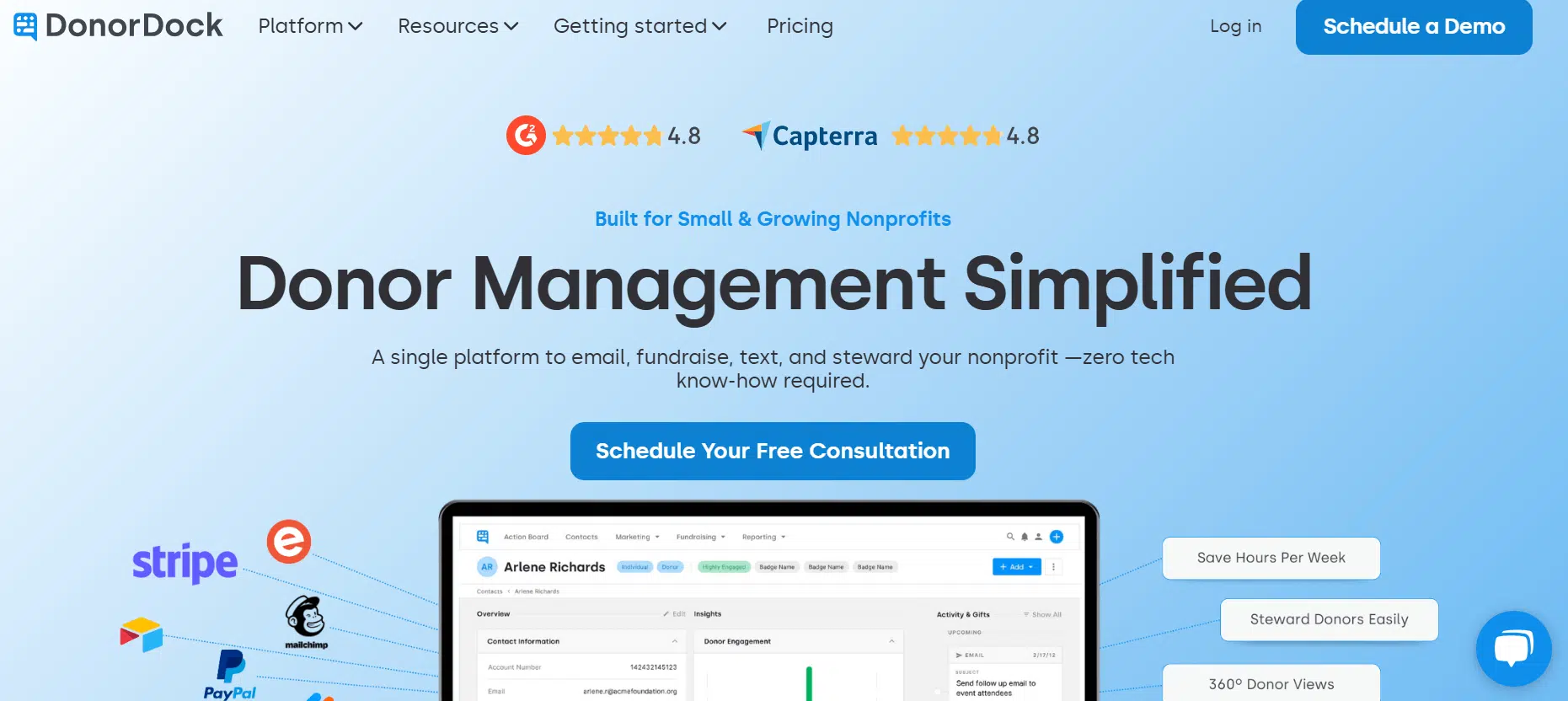
DonorDock overview
DonorDock’s simple donor management software is designed to make stewarding and communicating with donors easier. Setup is straightforward, and you don’t need an advanced technology background to use this platform.
This donor management software may work for you if…
You’re looking for a less complex donor management system. DonorDock was designed with simplicity and convenience in mind, making it an excellent option for organizations that feel overwhelmed by complex platforms like Salesforce.
But look out for…
Lack of dedicated support at lower pricing tiers. Priority assistance and a dedicated account manager are only available at the highest price points, which is something to be aware of if you’re looking for a responsive software partner.
Favorite features
- ActionBoard virtual assistant that offers daily to-dos and donor stewardship suggestions
- Simple activity tracking and task management
- Unlimited contacts
Pricing
Pricing starts at $100 per month.
3. Keela
Ideal for: Nonprofits that want to save time through automation while growing fundraising revenue.
Keela overview
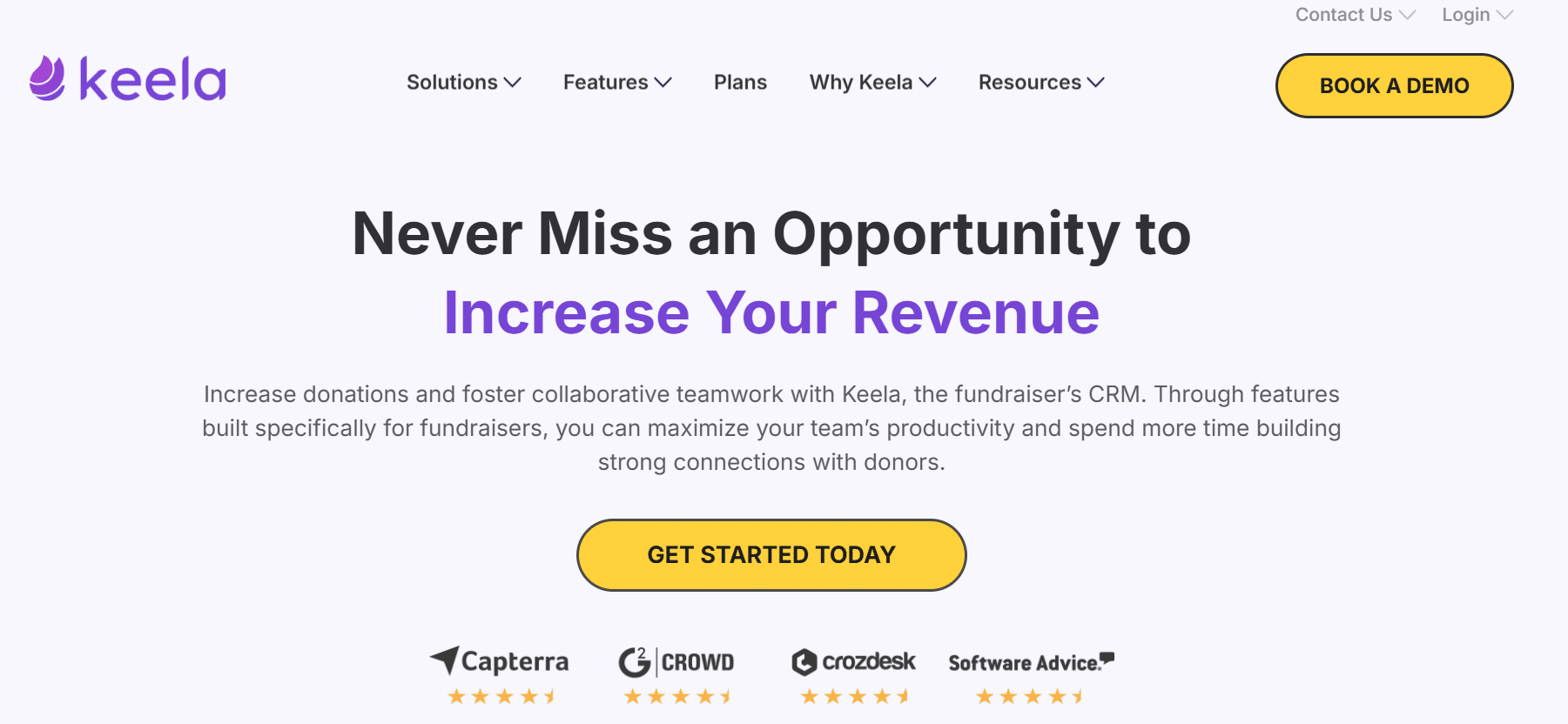
Keela is a donor database built with fundraising in mind, helping nonprofits save time and grow revenue through automated donor engagement and marketing tools.
This donor management software may work for you if…
You want to save time through automation. Keela’s features are designed to help nonprofit staff members save time and focus their efforts on the relationship-building side of fundraising.
But look out for…
Lack of auction and event management features. Keela’s list of CRM capabilities doesn’t include any auction or event functionality, which your organization should keep in mind if this type of fundraising is central to your revenue strategy.
Favorite features
- Smart donation asks
- Marketing automation
- Wealth screening
Pricing
Contact Keela for pricing information.
4. CharityEngine
Ideal for: Established nonprofits with complex, multi-channel fundraising operations.
CharityEngine overview
CharityEngine’s donor management system is an all-in-one platform for donor management, advocacy, event planning, membership management, and more. Organizations can access multiple tools in one solution, without the need for complicated integrations.
This donor management software may work for you if…
You have complex needs. CharityEngine offers plans for up-and-coming organizations and large, established nonprofits with more complex needs.
But look out for…
A challenging learning curve. CharityEngine’s user interface isn’t as intuitive as other CRMs, and it may require a more significant time investment to get your team up and running on the platform.
Favorite features
- Secure payment processing
- Comprehensive analytics and reporting
- Advanced marketing automation
Pricing
Talk to the CharityEngine sales team for pricing information.
5. Little Green Light
Ideal for: Small to mid-sized nonprofits looking for a lightweight, cloud-based donor management solution.
Little Green Light overview
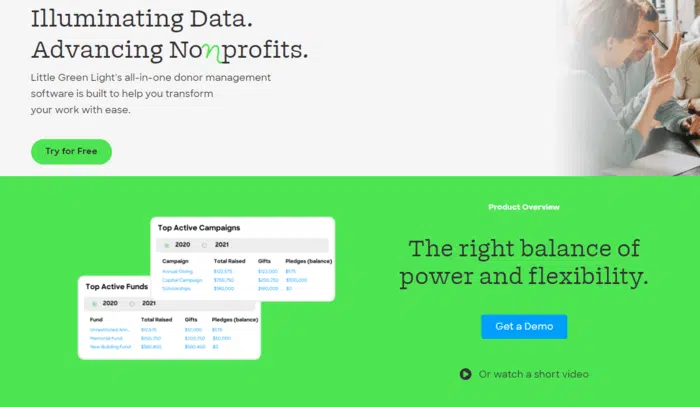
Little Green Light is a lightweight, cloud-based donor management software system that allows nonprofits to track donations, communications, and other engagement opportunities with supporters. The customized dashboard provides real-time insights regarding your most important key performance indicators and metrics.
This donor management software may work for you if…
You’re a small or mid-sized nonprofit with simple data collection needs. Little Green Light was built specifically for these organizations. It was designed to centralize and organize donor relationship tracking, giving smaller shops more time to cultivate relationships one-on-one.
But look out for…
Lack of support. Customers report long wait times to resolve simple requests, such as uploading data, fixing technical issues, or getting support questions answered. If you’re looking for a dedicated partner focused on successful onboarding and ongoing use, you may want to explore alternatives like Bloomerang.
Favorite features
- Customizable reports
- Goal tracking
- Gift tracking
Pricing
Pricing starts at $486, billed annually.
6. Blackbaud eTapestry
Ideal for: Small nonprofits already using the Blackbaud ecosystem.
Blackbaud eTapestry overview
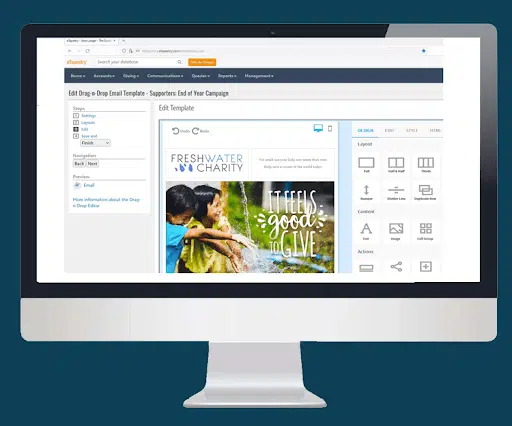
Blackbaud eTapestry is a donor management software solution part of the Blackbaud ecosystem. If your organization uses Blackbaud for other purposes, this solution will integrate seamlessly with other products in the network.
This donor management software may work for you if…
You have a small team. Like Little Green Light, eTapestry was tailor-made to fit the needs of small organizations, helping them raise more money with greater team capacity.
But look out for…
Complex reporting and a clunky, outdated user interface. The reporting process isn’t as straightforward as other CRM options, and the user interface doesn’t undergo frequent enhancements. Many organizations turn to alternatives like Bloomerang for greater user-friendliness.
Favorite features
- Wealth ratings and persona segmentation
- Data health scorecards
- Mobile access
- Templated online forms
Pricing
Contact the eTapestry team for pricing information.
7. Bonterra EveryAction/Bonterra Network for Good
Ideal for: Nonprofits looking for workplace giving functionality or a comprehensive suite of tools.
Bonterra EveryAction overview
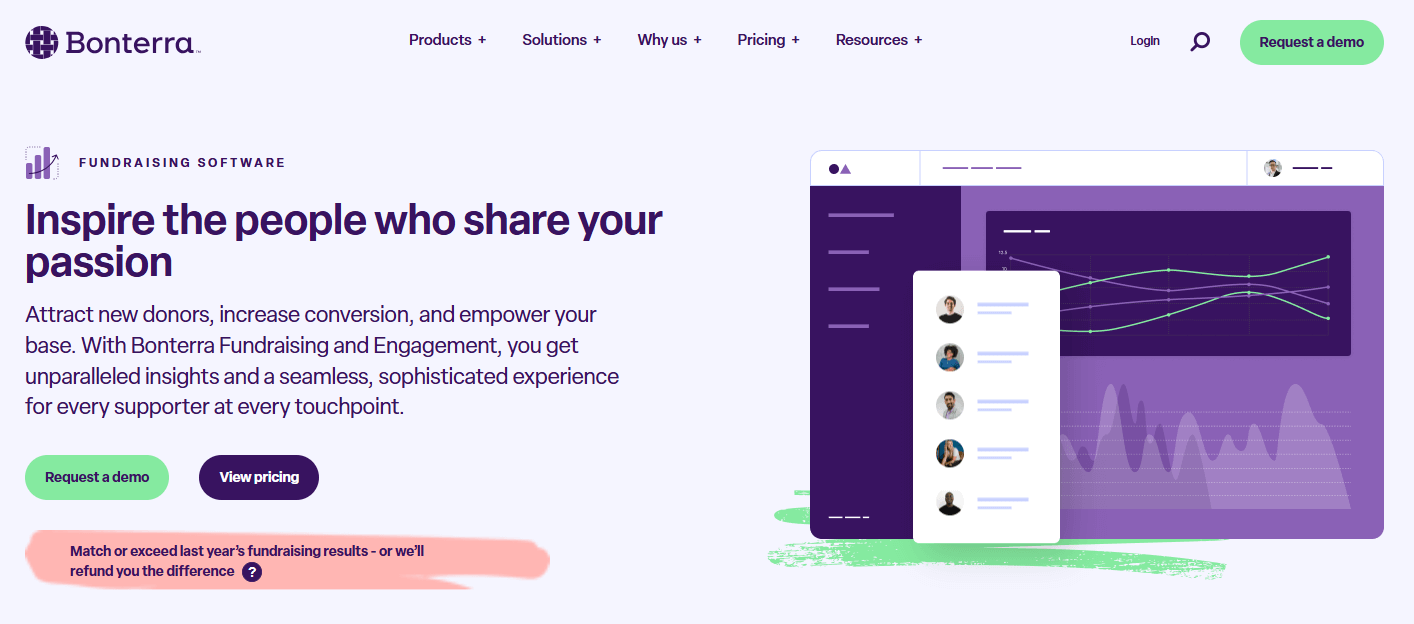
Bonterra EveryAction provides a suite of nonprofit tools that you can use to increase your organization’s efficiency and help you build relationships with donors. You can invest in this CRM to manage donor data and use the fundraising tools to raise money, process payments, and manage events.
This donor management software may work for you if…
You’re also looking for workplace giving management. Bonterra includes functionality for employers looking to expand their workplace giving and generosity programs.
But look out for…
Internal upheavals and shifting functionality. Bonterra has recently been entrenched in the complex process of combining multiple disparate tools into one platform. The wide array of bells and whistles can be enticing, but we’ve heard from customers who have switched to Bloomerang that they appreciate having a more stable, reliable platform to work from.
Favorite features
- Time-saving automation
- Ability to manage duplicate records and track contributions with custom fields
- Built-in moves management
Bonterra Network for Good
Bonterra also offers software better suited for small to medium nonprofits and public organizations called Bonterra Network for Good. This software solution allows organizations to customize donor experiences, explore data-driven dashboards, and manage volunteers.
Pricing
Contact Bonterra for pricing information.
8. DonorPerfect
Ideal for: Nonprofits seeking a highly customizable donor management system across various mission areas.
DonorPerfect overview
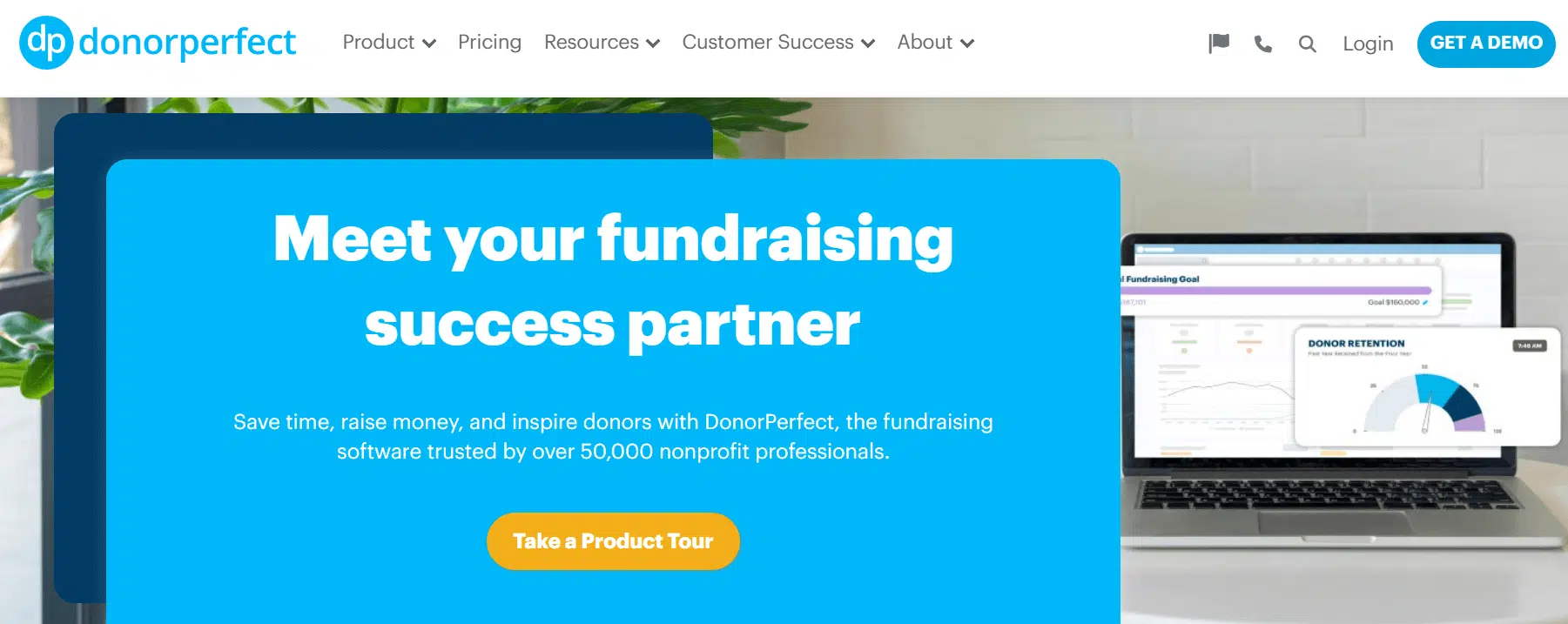
DonorPerfect is donor management software that provides a centralized location for your nonprofit’s important data. The platform offers features like unlimited users, email marketing, a mobile app, auction management tools, and automated workflows. To manage relationships, you can personalize donor messages, email official gift receipts to supporters, and sync your data to Constant Contact.
This donor management software may work for you if…
You’re seeking a higher level of customization. DonorPerfect’s customizable tools can suit various nonprofit sizes and types, from education to health services, arts and culture organizations, and more.
But look out for…
An outdated and complex interface. When it comes to reporting, increasing staff efficiency, and managing all constituents from one platform, DonorPerfect doesn’t compare to more modern, robust tools like Bloomerang.
Favorite features
- Unlimited custom reports
- Custom fundraising marketing templates to save time and raise more
- Donor Journey Builder for multi-touch campaigns
Pricing
Contact DonorPerfect for pricing.
9. Blackbaud Raiser’s Edge NXT
Ideal for: Large nonprofits with enterprise-level fundraising complexity.
Raiser’s Edge NXT overview
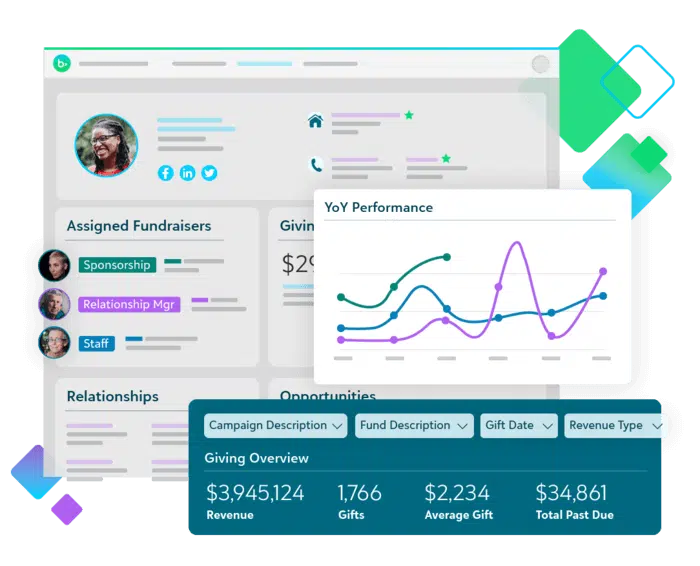
Another Blackbaud product that some organizations leverage to manage their donor relationships is Raiser’s Edge NXT. This solution provides integrated donor management and fundraising tools so your organization can maximize its donor relationships.
This donor management software may work for you if…
You want to operate your nonprofit like a Fortune 500 company. Raiser’s Edge NXT is very extensible and caters to organizations with highly complex fundraising needs.
But look out for…
High prices, lengthy training processes, and a complicated user interface. Raiser’s Edge NXT starts at a high price point of $4,000 annually for 1,000 records. Alternatives like Bloomerang are much more affordable and offer the nonprofit-specific functionality and simple user interface that work best for charitable organizations.
Favorite features
- AI-driven suggested donation amounts
- Prospect insights
- Annual fund workflows
Pricing
Contact Blackbaud for pricing information.
10. Virtuous
Ideal for: Data-forward nonprofits that want advanced analytics without needing a data scientist.
Virtuous overview
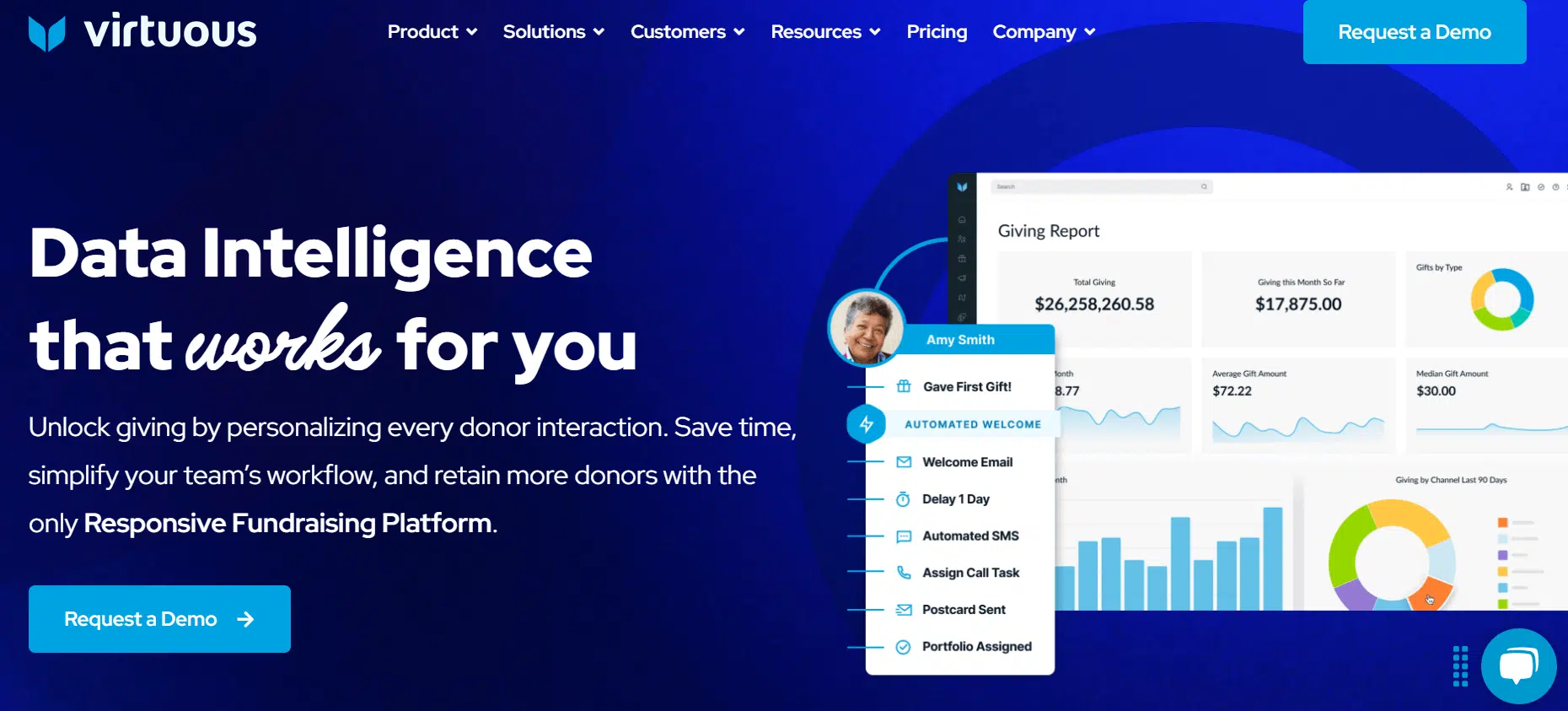
Virtuous offers donor management software to simplify nonprofit processes and amplify fundraising and marketing strategies. You can save donor data such as campaign participation, donation history, engagement activity, and more in a centralized location. You can search, filter, and segment this information directly in your database.
This donor management software may work for you if…
You want to prioritize advanced data-driven fundraising. Virtuous offers advanced analytics and data-driven insights that don’t require a data scientist’s help to parse through.
But look out for…
High costs, complex configurations, and a lack of real-time support. Virtuous tools are more expensive and require a lot of time, resources, and effort to set up. On the other hand, alternatives like Bloomerang are intuitive and accessible for anyone to learn. Plus, we offer in-house, real-time customer support to get your questions answered quickly.
Favorite features
- Impact and project tracking
- Automated moves management
- Integrated volunteer data
Pricing
Get a quote on the Virtuous website.
11. Neon One
Ideal for: Small to mid-sized nonprofits consolidating multiple tools into one platform.
Neon One overview
Neon One is a platform that helps power nonprofit growth and build supporter relationships. The CRM comes with standard features plus customizable fields to record the supporter data that is most important for your organization’s mission.
This donor management software may work for you if…
You’re a small or mid-sized nonprofit looking to consolidate your tools. Neon One helps these organizations move to one centralized platform.
But look out for…
Inefficient reporting, limited features, and frustrating support. Neon One only offers two hours per month of support. It also includes a confusing, two-screen system for reporting and lacks additional features like volunteer or membership management. As a result, many organizations switch to a responsive, intuitive platform like Bloomerang.
Favorite features
- A user-centric productivity dashboard
- 40+ pre-built reports and customizable options
- Workflow automation to reduce repetitive tasks
Pricing
Pricing starts at $99 per month.
12. Donorbox
Ideal for: Nonprofits that want to start accepting online donations quickly with minimal setup.
Donorbox overview
Donorbox is an online fundraising and donor management platform designed to help nonprofits accept donations quickly and manage supporter data in one place. It’s known for its fast setup process and embeddable donation forms that integrate easily with existing websites.
This donor management software may work for you if…
You’re looking for a donation-focused tool that’s easy to launch and integrates with your current website. Donorbox can be a good option for organizations that want to start accepting online donations quickly without implementing a more robust, all-in-one CRM system.
But look out for…
Limited CRM depth compared to more comprehensive donor management platforms. While Donorbox includes donor records and reporting, organizations with more complex tracking, segmentation, or multi-channel engagement needs may find its functionality less robust than full-scale nonprofit CRMs.
Favorite features
- Customizable, embeddable donation forms for websites
- Recurring donation management
- Peer-to-peer and crowdfunding campaign tools
Pricing
Donorbox offers a free plan with platform fees, and paid plans start at $139 per month, with additional transaction fees depending on the payment processor used.
13. DonorSnap
Ideal for: Small nonprofits that want an affordable, straightforward donor database without unnecessary complexity.
DonorSnap overview
DonorSnap is a web-based donor management system built to help nonprofits organize supporter data, track contributions, and generate essential fundraising reports. It focuses on delivering core CRM functionality with customizable fields and practical tools that support day-to-day development work without unnecessary complexity.
This donor management software may work for you if…
You’re looking for an affordable, straightforward donor database that prioritizes contact management and reporting over advanced automation. DonorSnap can be a good fit for small organizations that want flexibility in how they structure their data and a system that’s easy to manage without a steep learning curve.
But look out for…
Limited built-in online fundraising tools and marketing automation compared to more comprehensive, fully integrated nonprofit platforms. Organizations seeking seamless donation forms, advanced segmentation, or multi-channel engagement features may need additional software to meet those needs.
“You’ll know you’ve outgrown a platform when your team starts stitching together separate tools for donation forms, emails, donor follow-up and automations. If you're investing hours fixing duplicate records or moving data manually, it’s time for an integrated CRM.” - Rachel Muir, CFRE
Favorite features
- Customizable donor and contribution records with user-defined fields
- Built-in reporting tools with export capabilities
- Contact and task tracking for donor follow-up
Pricing
Pricing starts at $39 per month, with tiered plans based on the size of your contact database.
14. Givebutter
Ideal for: Nonprofits that prioritize modern, campaign-driven fundraising with visual engagement.
Givebutter overview
Givebutter is an all-in-one fundraising platform designed to help nonprofits run campaigns, sell event tickets, and manage donor data in a single system. Known for its modern interface and built-in engagement tools, Givebutter combines donation forms, peer-to-peer fundraising, events, and basic CRM functionality to support interactive fundraising experiences.
This donor management software may work for you if…
You’re looking for a flexible, campaign-driven fundraising platform that blends donation collection with events, peer-to-peer fundraising, and supporter engagement tools. Givebutter can be a strong fit for organizations that prioritize online campaigns and want an easy way to launch visually engaging fundraising efforts.
But look out for…
CRM and reporting capabilities that may not be as robust as those offered by more advanced, dedicated donor management systems. Organizations with complex segmentation, long-term retention strategies, or detailed reporting needs may find they require additional tools to fully manage supporter relationships.
Favorite features
- Customizable donation forms and campaign pages
- Built-in peer-to-peer and event fundraising tools
- Text-to-donate and supporter engagement features
Pricing
Givebutter does not charge a required platform fee, but payment processing fees apply to each transaction. Organizations can optionally add a platform tip to help cover costs.
Benefits of donor management software
The core benefit of donor management software is helping nonprofits retain more donors, which directly increases fundraising revenue.
Because it’s so much less expensive to retain donors than to acquire new ones, nonprofits can save substantially more by building these relationships and incrementally increasing donor retention rates.
How does donor management software make this possible? These solutions allow nonprofits to:
- Create more accurate and effective marketing materials. You can create emails targeted to specific donor segments and individuals by referencing the data saved in your database. For example, you can auto-populate donors’ names in your email greetings. Then, you can send specific messages to segments that will respond best to the messages. For example, you might send a welcome series to first-time donors, providing additional information about your mission.
- Track fundraising campaign progress and grant application tasks. Track your fundraising progress throughout campaigns to ensure you’re on track to meet your goals. You can also track your organization’s tasks for grant applications, ensuring you take all the necessary actions to build relationships with grant funders and submit applications on time.
- Identify major donors and personalize outreach. Your supporters with the highest giving capacity and engagement rates qualify as major donors. To cultivate these donors, you can use the data you’ve collected to personalize your interactions with them, organizing face-to-face conversations and meetings. You can also conduct targeted prospect research to know exactly how much to ask for from these valuable supporters.
- Pull reports highlighting opportunities for improvement. You can pull different reports to understand what your organization is doing well and where there’s room for improvement. For instance, you might create a report to assess your average donation amount and brainstorm strategies to boost your overall donation revenue.
- Reference donor data while on the go. Nonprofit professionals can use donor management software from anywhere, on any device. Studies have shown that 81% of CRM software users access their data across several platforms, including laptops, desktops, cellphones, and tablets. Nonprofit staff members can pull up and review donor details while preparing for an in-person meeting or store donor contact information in donor profiles when speaking with supporters at an event.
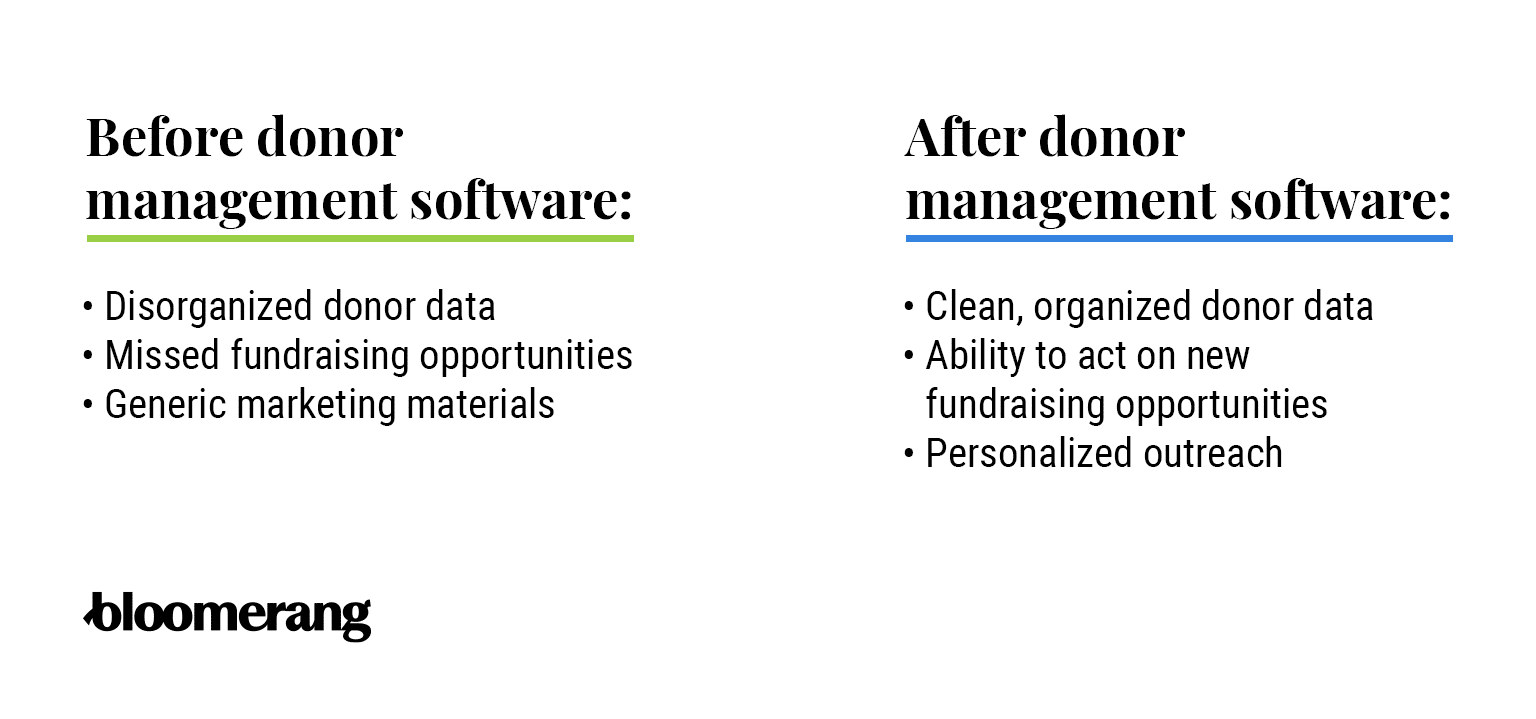
Donor management software also increases your organization’s efficiency because it integrates with other key fundraising software. For example, when your donation pages integrate with your donor management software, you can automatically update and create new profiles for those who give online. Or, when your marketing solution integrates with your donor database, you can apply your donor segments to your marketing initiatives, making it easier to reach out to specific groups of supporters.
In the next section, we will take a closer look at how donor management software integrations work.
How integrations maximize your donor management software
The best way to maximize your donor management software is to look for a feature-rich solution that also integrates with the rest of your tech stack.
Your donor management system is the centerpiece of your nonprofit’s tech stack and strategy. Therefore, the more integrations you have with your other technology solutions, the more manual tasks you can reduce, creating more efficient processes.
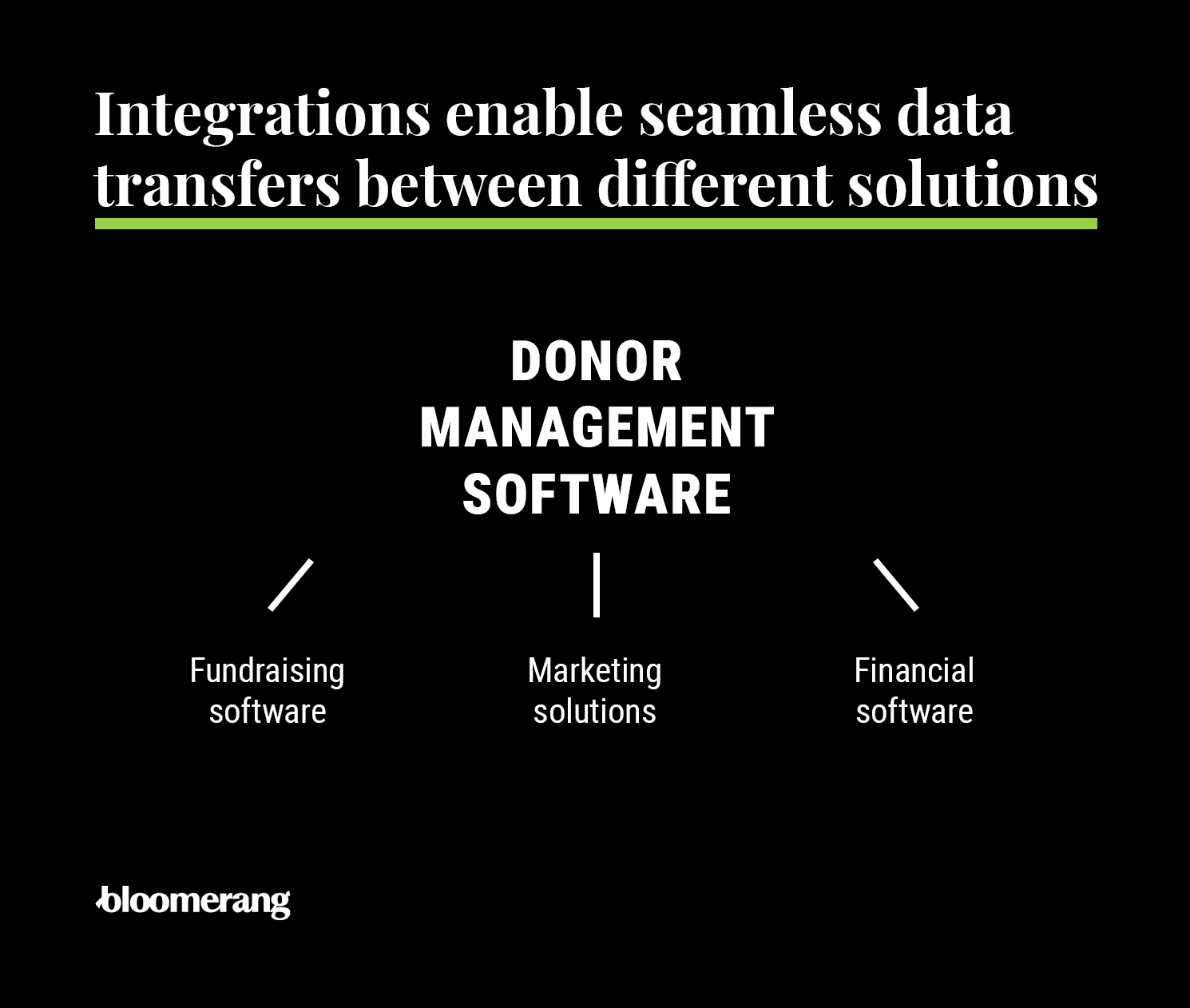
Look for integrations with solutions such as your:
- Fundraising software. Nonprofit CRM statistics show that 46% of nonprofits utilize a CRM program distinct from their online fundraising software, while 54% use an all-in-one CRM and online fundraising platform. Either way, integrated fundraising software enables you to automatically save new donor information to existing donor profiles or create new profiles for first-time donors who give via your online donation platform. Your software should integrate with other solutions that offer event registration and event management features, peer-to-peer tools, text fundraising capabilities, and auction tools and help you automatically save and leverage donor information.
- Marketing solutions. Integrations with your marketing software should allow you to automatically save new information to your donor management software and use the information in your database to make informed marketing decisions. For example, when a donor opens, reads, and responds to your latest email, you can automatically save that information in your donor management system. Plus, you should be able to leverage segments and data in donor profiles to create personalized emails and messages before sending them.
- Financial software. Your nonprofit should be able to record all of your supporter data from different solutions, including your financial or accounting software. Be sure all of your systems are connected so that you always have an accurate view of your organization’s financial health.
Even if your donor management system doesn’t have a native integration with all of your other software systems, you might still be able to connect them. Software like Zapier allows you to make further connections between your various systems.
Key features of donor management software
Effective donor management software offers features like:
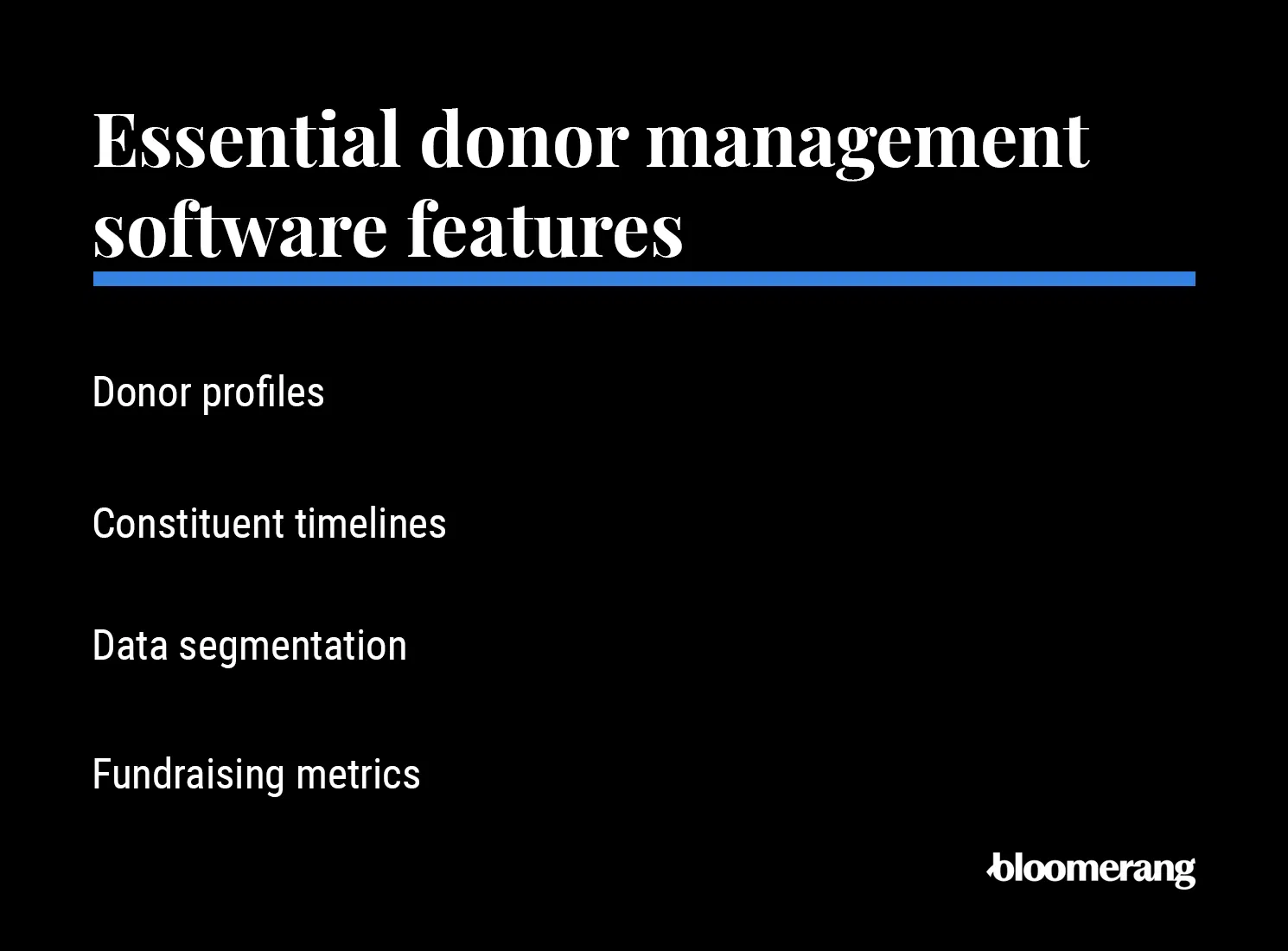
- Donor profiles. Donor profiles show each supporter’s history with your organization. Each profile includes each donor's donation history, contact and demographic information, and every interaction they’ve had with your organization in the past (emails opened, calls to action taken, events attended, etc.).
- Constituent timeline. The constituent timeline is a part of a donor’s overall profile, showing the interactions they’ve had with your organization over time. Examples of milestones in the timeline include emails opened and engaged with, gifts contributed, events attended, and other engagement opportunities. They’re listed chronologically so your organization can accurately record each supporter’s engagement history.
- Fundraising tools. Fundraising tools empower your organization to easily accept and grow contributions across multiple channels. These features encompass options for recurring giving, customizable donation pages, forms, and buttons, as well as capabilities for peer-to-peer campaigns, crowdfunding, event registration, wealth screening, matching gifts, text-to-give, and seamless payment processing.
- Donor communications. Donor communications help you streamline outreach and maintain strong relationships with your supporters. This toolset allows you to send automated email receipts, use an automatic tax summary generator, run comprehensive email marketing campaigns, track communication history, and leverage segmentation for targeted messaging.
- Donor management. Donor management capabilities ensure your supporter records remain clean, organized, and actionable. With these features, you can maintain contact profiles and donor accounts, use group segmentation, track pledges, donations, households, and in-kind gifts, and manage administrative needs through tasks, reminders, custom fields, a self-import tool, and a duplicate finder.
- Tracking and reporting. Tracking and reporting features provide actionable insights into your overall fundraising performance through an intuitive donor dashboard. From this hub, you can access comprehensive donor and contact records, evaluate donor analytics, and build custom or scheduled reports to guide your future campaigns.
Every organization is different, so consider your nonprofit’s unique needs and the features to help meet your goals.
Are donor management tools useful for small nonprofits?
Yes. Smaller nonprofits often have tighter budgets and smaller teams, so that’s why we recommend investing in a donor management solution even when your nonprofit is a small operation. These tools can do the work of a part-time or full-time staff member for less than $150 per month, depending on which software you use.
Investing in nonprofit management software early is essential for laying the foundation to organize your fundraising and donor data. For example, small nonprofits that use spreadsheets to manage their donors often find that their data becomes disorganized and difficult to understand as they grow. This can be a headache for staff members whose time is already limited by development efforts, leading their team, and communicating with their supporters.
How much does donor management software cost?
Free options include tools like Zeffy, Give Lively, and Givebutter. Mid-range examples include Bloomerang ($125/month) and Neon One ($99/month). Higher-tier options include Salesforce, Blackbaud’s Raiser’s Edge NXT, and Bonterra, all of which require extensive customization and can cost tens of thousands of dollars per year.
As you can see, donor management software pricing can vary widely, with some solutions charging a monthly or annual fee while others are free. Many solutions scale prices based on the number of records in your system.
When you demo different software options, ask about pricing and any additional fees that may be hidden in the plans. This will allow you to allocate the appropriate budget for your solution.
Free donor management software options (at a glance)
- Zeffy: A free donor management solution with donation forms, event features, and a basic donor database. Zeffy relies on optional donor tips to run its platform.
- Give Lively: Nonprofits use Give Lively to fundraise online, launch campaigns, and manage events. It also offers many integrations with other leading nonprofit software tools.
- Givebutter: This platform is best known for its modern interface and user-friendly engagement tools, including donation forms, event capabilities, and CRM functionality.
Benefits of donor management software
The core benefit of donor management software is helping nonprofits retain more donors, which directly increases fundraising revenue.
Because it’s so much less expensive to retain donors than to acquire new ones, nonprofits can save substantially more by building these relationships and incrementally increasing donor retention rates.
How does donor management software make this possible? These solutions allow nonprofits to:
- Create more accurate and effective marketing materials. You can create targeted emails for specific donor segments and individuals by referencing the data in your database. For example, you can auto-populate donors’ names in your email greetings. Then you can send specific messages to segments that will respond best to those messages. For example, you might send a welcome series to first-time donors, providing additional information about your mission.
- Track fundraising campaign progress and grant application tasks. Track your fundraising progress throughout campaigns to ensure you’re on track to meet your goals. You can also track your organization’s tasks for grant applications, ensuring you take all the necessary actions to build relationships with grant funders and submit applications on time.
- Identify major donors and personalize outreach. Your supporters with the highest giving capacity and engagement rates qualify as major donors. To cultivate these donors, you can use the data you’ve collected to personalize your interactions with them, organizing face-to-face conversations and meetings. You can also conduct targeted prospect research to determine exactly how much to ask of these valuable supporters.
- Pull reports highlighting opportunities for improvement. You can pull different reports to understand what your organization is doing well and where there’s room for improvement. For instance, you might create a report to assess your average donation amount and brainstorm strategies to boost your overall donation revenue.
- Reference donor data while on the go. Nonprofit professionals can use donor management software from anywhere, on any device. Studies have shown that 81% of CRM software users access their data across several platforms, including laptops, desktops, cellphones, and tablets. Nonprofit staff members can pull up and review donor details while preparing for an in-person meeting or store donor contact information in donor profiles when speaking with supporters at an event.
Donor management software also increases your organization’s efficiency by integrating with other key fundraising software. For example, when your donation pages integrate with your donor management software, you can automatically create or update profiles for those who give online. Or, when your marketing solution integrates with your donor database, you can apply your donor segments to your marketing initiatives, making it easier to reach out to specific groups of supporters.
How integrations maximize your donor management software
The best way to maximize your donor management software is to look for a feature-rich solution that also integrates with the rest of your tech stack.
Your donor management system is the centerpiece of your nonprofit’s tech stack and strategy. Therefore, the more integrations you have with your other technology solutions, the more manual tasks you can reduce, creating more efficient processes.
Look for integrations with solutions such as your:
- Fundraising software. Nonprofit CRM statistics show that 46% of nonprofits use a CRM separate from their online fundraising software, while 54% use an all-in-one CRM and online fundraising platform. Either way, integrated fundraising software enables you to automatically save new donor information to existing donor profiles or create new profiles for first-time donors who give via your online donation platform.
- Marketing solutions. Integrations with your marketing software should allow you to automatically save new information to your donor management software and use the information in your database to make informed marketing decisions. For example, when a donor opens, reads, and responds to your latest email sent via Mailchimp, you can automatically save that information in your donor management system. Plus, you should be able to leverage segments and data in donor profiles to create personalized emails and messages before sending them.
- Financial software. Your nonprofit should be able to integrate all your supporter data from different systems, including your financial or accounting software (like QuickBooks). Be sure all of your systems are connected so that you always have an accurate view of your organization’s financial health.
- Events and auction solutions. Integrating your donor management software with event and auction tools like Eventbrite, TicketSpice, and Handbid ensures that attendee data flows seamlessly between systems. When supporters register for an upcoming gala or place a winning bid on an auction item, that engagement history automatically updates their donor profile. This gives your team a comprehensive view of how constituents interact with your organization beyond standard donations, saving you the hassle of manually importing attendee spreadsheets.
- Prospect research software. Connecting your database to prospect research platforms like DonorSearch allows you to seamlessly enrich your existing donor records with external wealth and philanthropic data. By integrating these tools, you can automatically screen constituents to identify major gift prospects based on their capacity and affinity to give. This empowers your fundraising team to prioritize their outreach and tailor their ask amounts using accurate insights directly within their existing donor profiles.
Even if your donor management system doesn’t have a native integration with all of your other software systems, you might still be able to connect them. Software like Zapier allows you to make further connections between your various systems.
“Zapier can help your systems talk to each other, but it may add another monthly bill, which can quickly get pricey, plus it adds the headache of another connection to troubleshoot when data suddenly stops syncing. Native integrations are usually simpler because there are fewer moving parts.” - Rachel Muir, CFRE
How to choose donor management software
Whether you’re purchasing your first donor management software solution or switching systems, there are several steps you should take before selecting and investing in your new solution.
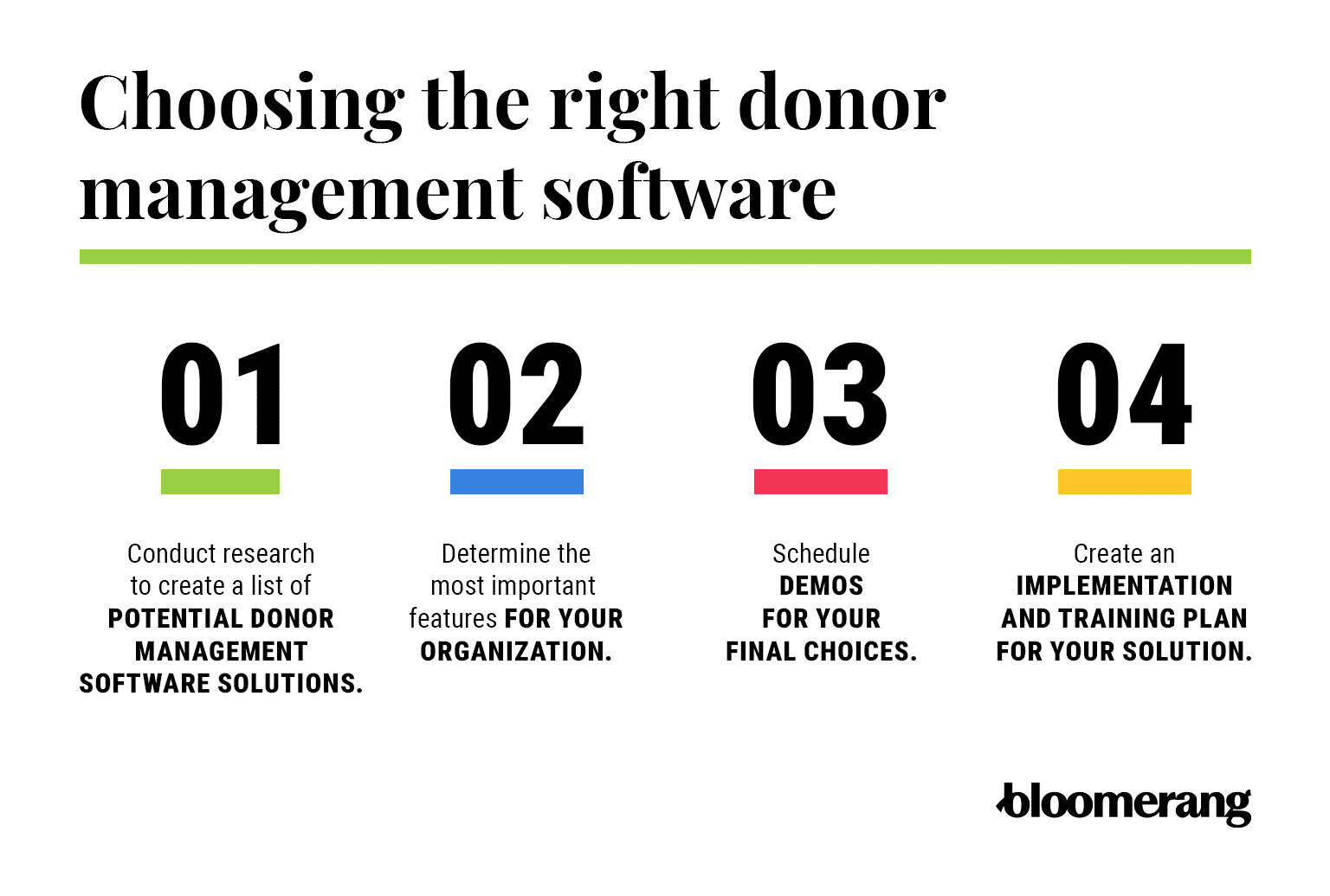
1. Research to create a list of potential donor management software solutions.
The first step in finding your donor management software solution is to review the different systems available to organizations like yours. Use search engines and review sites like G2.com to see what current customers think of each solution.
2. Determine the most important features for your organization.
After you have your initial list of software solutions, start narrowing it down based on your organization’s specific needs. Create a list of the must-have features for your organization and another list of nice-to-have features. Cross off the solutions that don’t have your must-have features.
“Review your must-have list and prioritize the ones that eat up the most staff resources, such as cleaning duplicate records, sending receipts or manually importing gifts. Make sure those everyday headaches turn into must-have features.” - Rachel Muir, CFRE
Then, assess each remaining solution by asking these questions:
- Does it meet your current needs?
- Will it meet your future needs?
- Is it within your budget?
- Will implementation cost extra?
- Do you have access to training materials?
- What does customer support look like?
As mentioned, all nonprofits are unique and require slightly different features in their donor management software. Asking these questions for each solution you evaluate will ensure your final choice meets your specific needs.
3. Keep your goals in mind and avoid multi‑year lock‑ins if they limit flexibility.
Be sure to choose the right donor software for your nonprofit’s size and long-term strategic goals. Complex donor management systems for nonprofits, such as Salesforce, require extensive customization and maintenance, which demand specialized resources and IT staff that small nonprofits often lack.
On the other hand, some vendors require multi-year contract commitments, locking in small nonprofits for up to three years even if the software fails to meet their evolving needs or if user adoption is poor.
Instead of locking into long-term contracts right away, seek out flexible, month-to-month or annual agreements that allow your organization to pivot if necessary. Also, see if you can take advantage of nonprofit discounts through programs like TechSoup, and be on the lookout for hidden fees related to implementation, data storage limits, or payment processing rates that could unexpectedly strain your budget over time.
4. Schedule demos for your final choices.
Compile a list of questions you’d like to know more about for each of your final donor management software options. As you demo each solution in your shortlist, ask these questions and take notes for each system. This will help you make direct comparisons after you’ve received a demo of each.
“Ask each vendor to complete one of your team’s most common tasks live, such as entering a gift, merging duplicate records or pulling a lapsed-donor report. Seeing your use case scenario in action will give you the best real-world simulation.” - Rachel Muir, CFRE
If you’re still unsure which software to choose, consider getting a second demo of your favorite solutions. With a detailed view of top contenders, you can make an informed decision and determine your final choice.
5. Get your team’s input on the final decision.
Consult with fundraising team members who will use the new system daily to get their feedback on your top options. Because successful software adoption relies entirely on the people using it, involving your staff early ensures you select an intuitive platform that actually makes their jobs easier.
Consider assembling a small selection committee that includes representatives from development, marketing, finance, and IT to evaluate the final contenders from multiple operational perspectives. Have them score each software based on usability, features, and alignment with their specific workflows.
Addressing their concerns and gathering their insights before signing a contract will drastically reduce resistance during the transition and foster a sense of ownership over the new system.
6. Create an implementation and training plan for your solution.
After you’ve chosen your ideal donor management solution, create an implementation plan to ensure your entire fundraising team is set up for success. If you’re already using a different database or spreadsheet, you might need support to migrate the data saved in your system to the new donor management system.
You’ll also need someone to configure your new donor management software to reflect the most important information for your cause. Because every organization prioritizes different information, ensure your software will accommodate your preferences. For example, an animal shelter may want to record information about whether donors are cat lovers or dog lovers.
Ask the software provider about any additional educational resources they offer to help your team continue to make the most of the system. For example, Bloomerang offers resources at Bloomerang Learning for anyone on your team to continue learning about the system.
More advice on choosing donor management software, from an expert fundraiser
Claire Axelrad, J.D., CFRE, advises:
Don’t let the bells and whistles distract you—you likely don’t need all of them. There’s no sense buying a 747 just to drive down to the corner grocery. Rather, hone down your requirements by answering the following three questions:
1. How many records will you be managing in three years?
Sure, you want to grow. But be realistic. Your number of records will directly impact the software you can consider. Prices jump as you cross certain thresholds. Also, you may be charged fees based on heavy email usage.
2. How much staff bandwidth do you realistically have for setup and training?
A CRM is only as good as the people who operate it. You may be able to automate reactions to donations—e.g., thank you’s, welcome series, pledge reminders—but you still need humans to guide relationships. And your team must all be on the same page regarding how you use available fields and tools. The same holds true with data hygiene.
3. Which two features are truly non-negotiable?
Data reflects people. Begin there. It’s ultimately why you’re managing data—to build relationships with people over time. You want to be able to track donors across an entire lifecycle, from a first-time gift to repeat giving, major gifts, and legacy contributions.
Strong infrastructure connects directly to action. Your CRM shouldn’t just store information—it should tell you what to do next. If you want help to identify giving patterns, understand donor motivations, and personalize outreach, look for solutions that incorporate your bottom-line reason for choosing new software.
FAQ: Donor Management Software
What is donor management software used for?
Donor management software is used by nonprofits to store and organize supporter data, track donation histories, segment audiences, automate communications, and report on fundraising performance. It serves as the central database for all donor relationship activity.
What is the difference between donor management software and a nonprofit CRM?
There is no functional difference—both terms refer to the same type of platform. “Donor management software,” “nonprofit CRM,” “donor database,” and “donor tracking software” all describe tools used to manage supporter data and fundraising activity.
How much does nonprofit donor management software cost?
Costs vary widely. Free options like Zeffy and Give Lively exist for budget-limited organizations. Mid-range platforms like Bloomerang start at $125/month and Neon One at $99/month. Enterprise solutions like Blackbaud Raiser’s Edge NXT can exceed $4,000/year. Many platforms charge based on the number of records in your system.
What features should I look for in donor management software?
Core features to prioritize include: donor profiles with full interaction histories, data segmentation, fundraising and campaign tracking, integrations with your existing tools (email, payment processing, accounting), custom reporting, and strong customer support. Advanced features like AI-driven insights, wealth screening, and engagement scoring can add significant value for growing organizations.
Which donor management software is best for small nonprofits?
Small nonprofits often start with free or low-cost tools. Zeffy, Give Lively, and Donorbox offer no-cost options. DonorSnap starts at $39/month. Little Green Light starts at $486/year. Bloomerang, starting at $125/month, is a strong choice for small nonprofits that want to grow, given its industry-leading donor retention tools and in-house support.
What is the best donor management software for donor retention?
Bloomerang is specifically designed around donor retention. The top 20% of Bloomerang users achieve a first-time donor retention rate of 47%, compared to the industry average of 18.5%. The platform’s real-time retention dashboard, engagement scores, and constituent timelines make it easier to identify at-risk donors and act before they lapse.
Can donor management software integrate with other nonprofit tools?
Yes. Most modern donor management platforms integrate with fundraising tools, email marketing platforms, accounting software, and event management systems. Some platforms are all-in-one (like Bloomerang, which combines CRM and fundraising); others rely on third-party integrations via tools like Zapier.
Wrapping up
Donor management software is the most essential tool in your nonprofit’s tech stack, allowing you to grow your fundraising efforts to new heights.
With the tips and steps in this guide, you should be well on your way to finding the perfect solution to serve your organization and develop deeper relationships with your donors and supporters. If you’re looking for more information on this subject, check out the following additional resources:
- How to Buy Fundraising Software that Lasts: Essential Guide. Choosing the right donor management software isn’t a decision you should take lightly. Explore our software buyer’s guide for more tips on finding the best platform for your nonprofit.
- 15 Online Fundraising Platforms to Ramp Up Donations in 2026. Your online fundraising platform will help you grow your fundraising revenue. Review and compare 15 top solutions that may integrate with your donor management system.
- Effective Donor Management: 7 Best Practices for Nonprofits. After investing in a donor management platform, you must follow several best practices to make the most of this system. This guide offers tips for better managing donors using tools like your software solution.