20 Nonprofit Software Solutions in 2026



Quick answer: what nonprofit software does
Nonprofit software is any purpose-built digital tool that helps your organization manage donors, raise funds, track grants, and run events or auctions, so your team spends less time on manual tasks and more time on your mission. Most nonprofits start with a central CRM for donor management, then add fundraising, event, grant, or accounting tools as their needs grow. The right nonprofit software connects these pieces into one source of truth instead of leaving your data scattered across spreadsheets and disconnected tools.
The best nonprofit software helps organizations manage donors, automate fundraising, track grants, and free up staff time for mission-critical work. In 2026, nonprofits face record demand—a 2025 Nonprofit Finance Fund survey found that 85% of nonprofits expect demand for their services to increase—making the right technology stack more important than ever—a powerful reminder that your work is needed, trusted, and transforming communities every day. To help you maximize your impact, you need the right technology stack now more than ever.
This guide covers purpose-built nonprofit software tools across seven categories: donor management, fundraising, prospect research, events, grants, auctions, and accounting. Whether you're evaluating your first CRM or upgrading an entire software ecosystem, this list will help you make a confident, informed decision.
Each of these types of nonprofit software will streamline your donor management and fundraising processes by automating tasks, centralizing data, and supporting remote teams no matter where they work. When used, they reveal new opportunities to grow generosity and strengthen the support that powers your mission.
Nonprofit software comparison at a glance
Best nonprofit software for donor management
Donor management software—also called nonprofit CRM (constituent relationship management) software—helps organizations store, organize, and act on supporter data. A strong CRM centralizes donor profiles, tracks engagement history, and reveals which supporters are most likely to give again.
1. Bloomerang CRM
Best for: Nonprofits focused on donor retention and relationship building.
Bloomerang connects fundraising, donor management, and volunteer engagement into a single platform, and so much more. Bloomerang’s donor management software is the perfect solution for organizations focused on building stronger relationships with their supporters.
Bloomerang is designed with features that help you acquire new donors, foster relationships, and increase the chances that donors will continue supporting your nonprofit for the long term.
Key features include:
- An interactive dashboard. Bloomerang makes sure your donor retention rate is front-and-center on the dashboard, helping you understand where your organization stands at all times.
- Donor engagement and generosity scores. Your Bloomerang donor database assigns engagement and generosity scores to each supporter that reveal how engaged donors are and how likely they are to donate again.
- Donor timelines. Keep up with every interaction your supporters have with your organization using a comprehensive timeline. This feature shows when donors haven’t contributed in a while, letting you create a strategy for re-engaging them.
2. Neon CRM
Best for: Nonprofits that need flexible, customizable donor profiles.
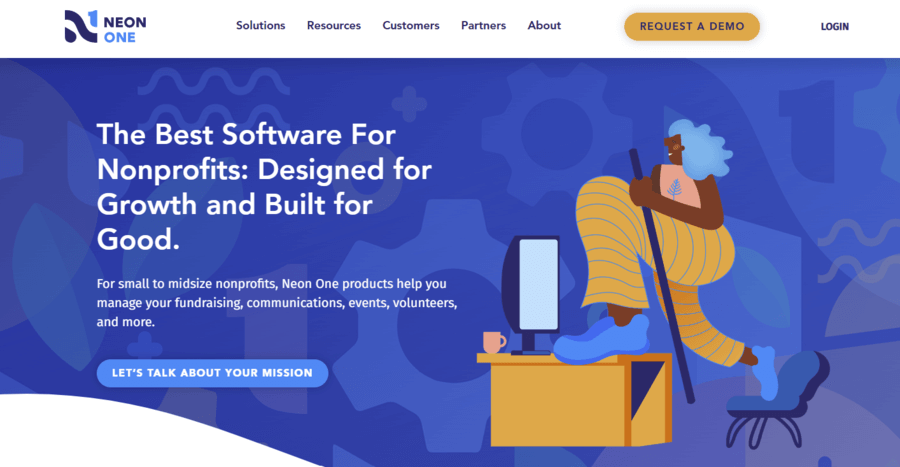
Neon CRM is a well-known donor management platform in the nonprofit sector. Its customizable donor database makes it easy for nonprofits to track and grow donor relationships. Some of the features this software offers include:
- Customizable fields. The flexible donor management platform allows you to add customized data to each supporter profile, helping you analyze the information that’s most important to your nonprofit.
- Segmentation. Segment your supporters within Neon CRM to make your fundraising appeals and marketing initiatives more relatable and applicable to each group.
- Online store. Embed an online store into your website to give donors another way to contribute to your organization by purchasing branded merchandise.
3. DonorPerfect
Best for: Teams that need mobile access and automated task workflows.
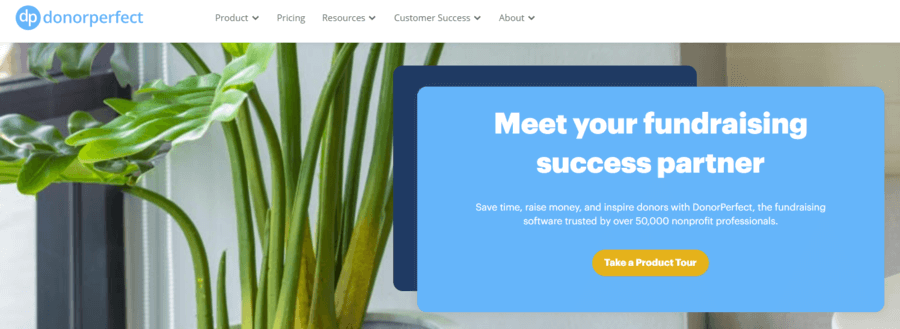
DonorPerfect is a nonprofit software solution designed to help keep all your organization’s team members on the same page regarding your fundraising strategy. With a mobile app and effective reporting tools, everyone at your organization will have the tools they need to keep up with operational tasks and raise funds, no matter where they are.
Using DonorPerfect, you can access features like:
- Automated workflows. Use workflows to assign tasks and due dates to your team for different actions, such as sending welcome baskets to new supporters.
- Client resources. In addition to the CRM, your organization will have access to resources from DonorPerfect, including their webinars and fundraising guides.
- Email marketing. DonorPerfect integrates with Constant Contact to ensure that your fundraising team can keep up with supporters effectively in your CRM.
Best nonprofit software for fundraising
Fundraising software solutions are designed to facilitate the donation collection process for organizations. Fundraising software can include donation tools, peer-to-peer fundraising platforms, matching gift software, and more.
Here are a few of the top online fundraising platforms:
4. Bloomerang Fundraising (formerly Qgiv)
Best for: Nonprofits that want all fundraising campaign types in one platform.
Bloomerang Fundraising (formerly Qgiv) is a nonprofit fundraising platform that offers multiple types of fundraising campaign options for nonprofits. With Bloomerang Fundraising online donation forms, peer-to-peer fundraising pages, text fundraising capabilities, auction tools, and event management, your organization will have everything it needs to boost funding within a single nonprofit software solution.
Some of the features you can find when your organization invests in Bloomerang Fundraising and Bloomerang Giving Platform® include:
- Customizable fundraising pages. Brand your fundraising pages with your nonprofit’s colors, logos, and fonts. Then, embed donation forms directly on your website.
- Fundraising thermometers. Let supporters see the immediate impact of their gift on your fundraising goal. Thermometers can inspire them to give even more to maximize that impact!
5. Fundraise Up
Best for: Nonprofits prioritizing donation page conversion rates.
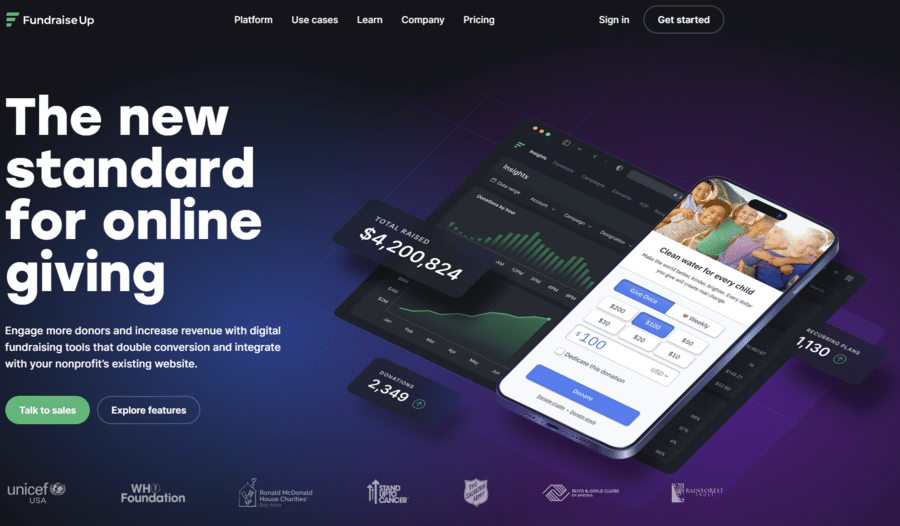
Fundraise Up is a solution designed to drive conversions with the help of machine learning. This platform makes it fast and easy for supporters to contribute to your cause so that you don’t lose them during the checkout process. Some of the features they use to make this possible include:
- Fast load times. Fundraise Up’s donation pages load quickly to improve the donor experience and drive conversions.
- Multiple payment options. Donors can choose from multiple payment methods, such as credit and debit cards, Apple Pay, PayPal, Venmo, cryptocurrency, and more.
- Machine learning AI. Fundraise Up’s machine learning algorithm analyzes donor behavior to help you determine a tailored suggested donation amount for each user and create donor segments for streamlined communication.
6. Double the Donation
Best for: Nonprofits looking to unlock unclaimed corporate matching gift revenue.
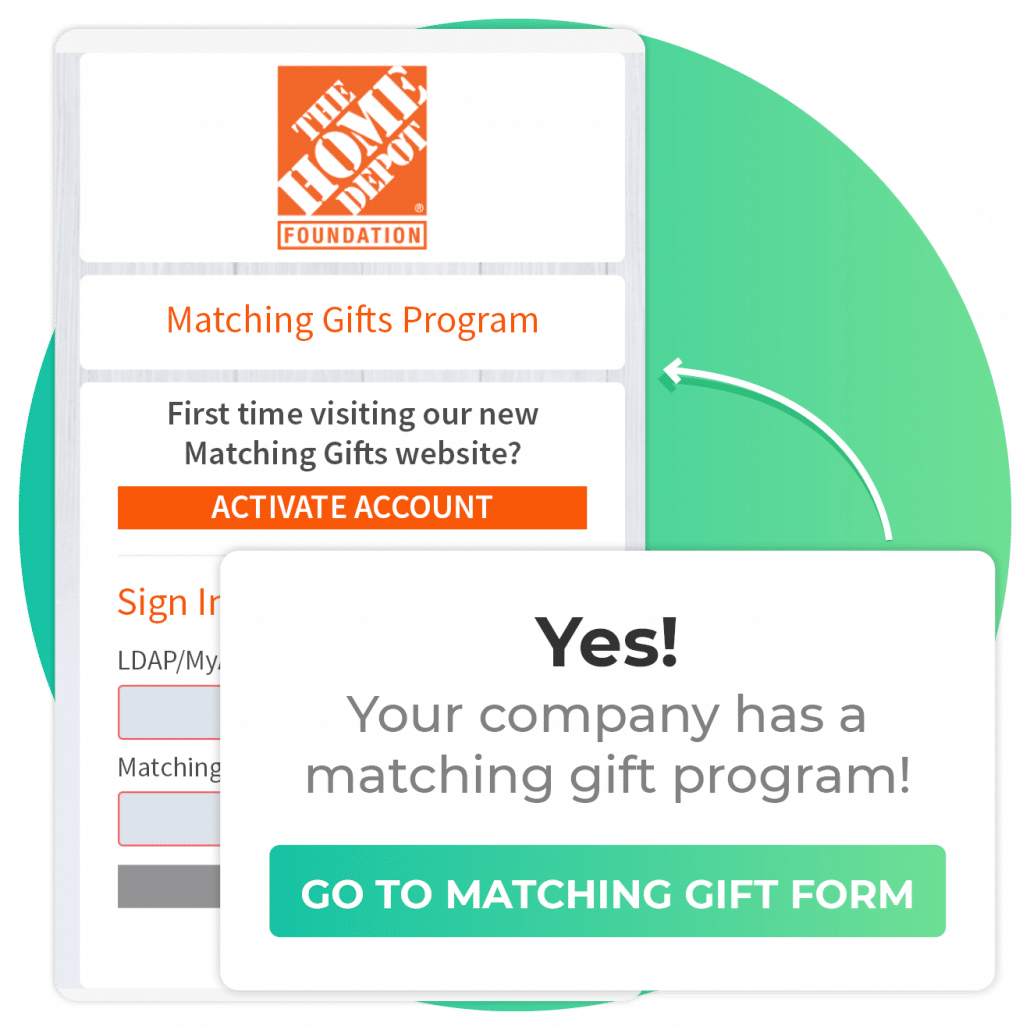
Double the Donation helps nonprofits raise more through matching gifts. Matching gifts are a drastically underutilized fundraising opportunity for most nonprofits — $4-7 billion in matching gifts goes unclaimed each year.
The platform’s features include:
- Matching gift auto-submission. The traditional matching gift process requires donors to navigate to their company’s online matching gift portal to fill out a form and request a matched donation. With 360MatchPro’s auto-submission feature, all donors have to do is enter their work email address in the matching gift search field on your donation page, and their match is automatically processed. This makes the matching gift journey much simpler for donors and drives more revenue for your nonprofit.
- Automated emails. Send fully automated emails to your donors to provide instructions for submitting their matching gift requests.
- Integrations with many other fundraising tools. You can easily integrate 360MatchPro with other fundraising platforms like Classy or Donately.
7. GiveButter
Best for: Organizations that want flexible, year-round giving options.
GiveButter is a nonprofit software solution built to help organizations collect donations year-round as well as during specific campaigns. The tools they offer include donation collection forms, peer-to-peer fundraising pages, and event registration. Some of the features you can expect from this fundraising tool include:
- Venmo and Apple Pay compatibility. With GiveButter, you can provide multiple ways for supporters to give, including credit/debit cards, Venmo, and Apple Pay.
- Recurring gift options. Encourage your supporters to set up regular payments to your organization with recurring gifts. They can give every week, month, or at a frequency of their choosing.
- Suggested giving amounts. Donors tend to give more when they have a reference for how much others give. Provide some context for your supporters with suggested giving amounts.
Best nonprofit software for prospect research
Generally, major gifts make up a large portion of any nonprofit’s fundraising revenue.
Prospect research software is used to identify a donor’s philanthropic and wealth indicators. These data points reveal whether a certain supporter has the capacity and willingness to make a major gift to your organization.
Let’s review a few top prospect research tools for nonprofits:
8. DonorSearch
Best for: Nonprofits building targeted major gift prospect lists.
DonorSearch offers a large prospect research database that helps nonprofits identify potential prospects. Some top features of DonorSearch’s prospect research software include the following:
- Marketing lists. Use DonorSearch’s tools to develop perfect marketing outreach lists of supporters based on financial, demographic, and interest categories.
- Prospect generation. Identify new prospects by understanding their giving interests and past donations to similar organizations.
- Machine learning tools. Use DonorSearch AI to further narrow down your prospect list by identifying and segmenting top prospects with a high level of accuracy.
9. WealthEngine
Best for: Teams that need detailed wealth screening and data enrichment.
WealthEngine is designed to help your organization identify and manage wealth indicator information about your prospects. This nonprofit software uses scores and ratings to organize and manage your data. Some of the features you’ll find with this solution include:
- Data enrichment. Use the data scores and reports to better understand and prioritize your supporter outreach.
- Data cleaning. WealthEngine detects inaccuracies in your database so you can quickly identify and correct any data issues.
- Secure delivery. WealthEngine uses the cloud to seamlessly and securely deliver, process, and transfer important files and data for your organization to use.
10. iWave
Best for: Nonprofits that want an intuitive, scoring-based prospect research tool.
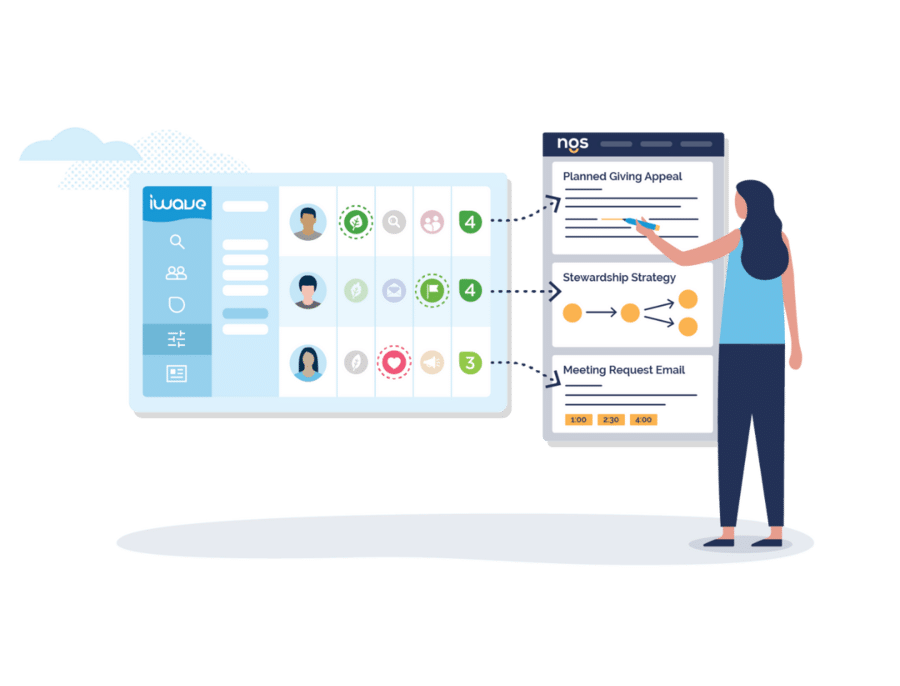
iWave is a prospect research tool that’s easy to use and provides valuable information to enhance your organization’s fundraising strategies. Some of the features that make iWave so user-friendly include:
- Automatically-prioritized donor list. iWave can create a list of supporters to prioritize based on their giving capacity and likelihood, location, your organization’s goals, and other categories.
- Comprehensive donor profiles. Create profiles for each prospect to store relevant information that your organization can use to raise funds.
- iWave scores. iWave features a scoring system that helps rank donors according to their affinity and capacity to give.
Best nonprofit software for events
Event software allows nonprofits to plan and carry out successful fundraising or awareness events. The following solutions can be used for both in-person and virtual fundraising events:
11. Eventbrite
Best for: Nonprofits hosting free stewardship or awareness events.
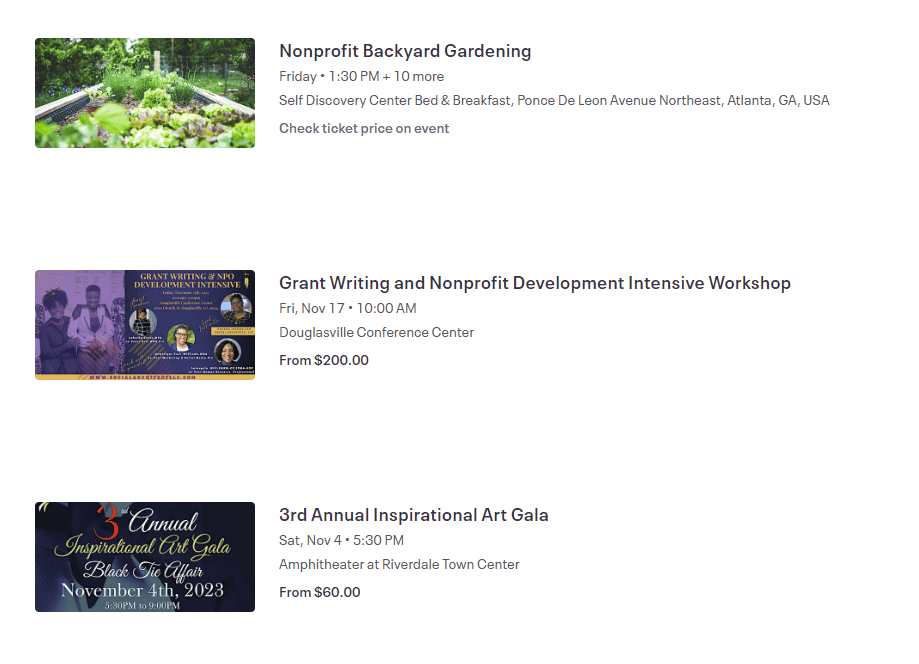
Eventbrite is a top event platform for organizations planning stewardship events that are free to attend. Eventbrite is free to use if your organization is hosting a free event. Some of the features you’ll receive on this platform include:
- Quick event creation. In minutes, you can create an event registration form and start marketing to attendees.
- Mobile app for creators. As an event creator, you can monitor event registration rates, attendance information, and other event details all within a mobile app.
- Built-in marketing. You can post your event on Eventbrite’s event listing page to get a head start on marketing and encourage more people to attend.
12. Fonteva Events
Best for: Nonprofits already using Salesforce as their CRM.
Fonteva Events is a nonprofit event management tool that helps organizations plan both in-person and virtual experiences. The app is native to Salesforce, making it a helpful event management choice for nonprofits that use Salesforce to manage their constituents.
Fonteva Events offers several features that simplify the event-planning process, such as:
- A mobile app. Use the app to send attendees push notifications and updates to maintain supporter engagement before and during the event.
- Responsive event microsites. Create a branded microsite to promote your event and provide a convenient platform for attendees to register.
- Webinar sync. Connect your Fonteva event to popular video conferencing platforms like Zoom.
Best nonprofit software for grants
While nonprofits earn much of their revenue from their fundraising efforts, there is also a lot of revenue potential in nonprofit grants. In fact, 80 cents of every dollar contributed to nonprofit revenue in the United States comes from government grants or contracts.
That’s why grant software is a vital nonprofit software solution. Browse a few top options here:
13. GrantHub
Best for: Nonprofits managing multiple grant applications simultaneously.
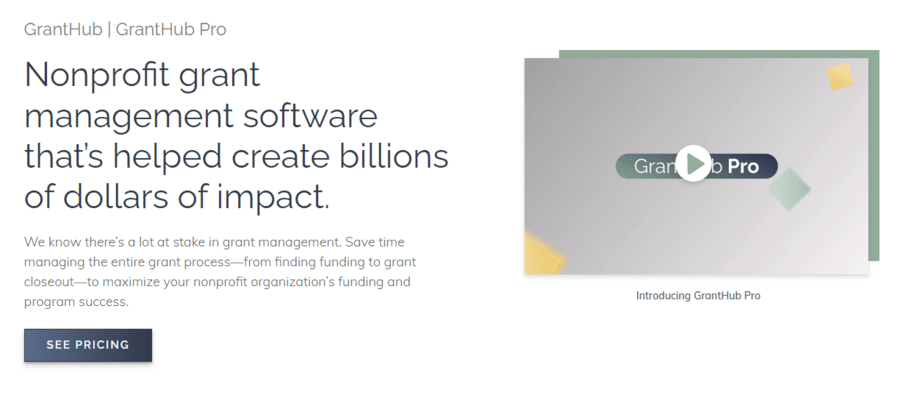
Foundant’s grant software solution, GrantHub, makes it easy for nonprofits to identify potential grant opportunities, manage the grant application process, and track and report fundraising progress. Some features available as a part of GrantHub include:
- Grant lifecycle management. Manage all grant applications and details in one place, maintaining information about the funders, tasks, notes, and more.
- Task management. Keep team members organized by setting priorities and reminders for upcoming tasks so you never miss a deadline.
- Custom fields. Leverage unlimited custom fields for profiles and grant opportunities to spotlight information that’s more important for your nonprofit.
14. Grants Plus
Best for: Nonprofits that need external expertise for grant writing and strategy.
The Grants Plus team partners with nonprofits to act as advisors in the process of finding new grant opportunities, writing compelling proposals, and growing your grant funding over time. Their team offers services such as:
- Grant prospect research. The Grants Plus team will support your nonprofit’s grant-seeking efforts by conducting a targeted prospect research process to find opportunities that align with your goals.
- Federal grant writing. The experts will help write grant proposals for the federal level as well as for state and other opportunities.
- Bridging staff transitions. The team can support your nonprofit during transitions or staff vacancies, ensuring the continuity of your grants program.
Best nonprofit software for auctions
Auctions are a classic fundraising event that nonprofits use to appeal to a general audience or top donors. The success of these events depends on the items procured and the quality of the attendee experience. These software solutions can help manage auctions more effectively:
15. OneCause
Best for: Nonprofits running in-person, virtual, or hybrid auction events.
OneCause helps nonprofits during every stage of the auction event planning and execution processes. They offer tools to help plan exciting and engaging auctions, whether they’re in-person, virtual, live, or silent. This software provides options for nonprofits to better optimize aspects of the auction process like:
- Item procurement. Manage the information necessary to effectively procure your top items for your auction. Create solicitation letters, track procurement updates, bundle items into valuable packages, and more.
- Event registration. Invite supporters to register for the event using the same platform they’ll use to bid and complete other event activities.
- Mobile bidding. Mobile bidding allows your supporters to relax and mingle with others, enjoying every aspect of the event without concern of being outbid. If they are, they’ll receive a notification and can quickly place a new bid via phone.
16. Handbid
Best for: Nonprofits prioritizing the attendee bidding experience.
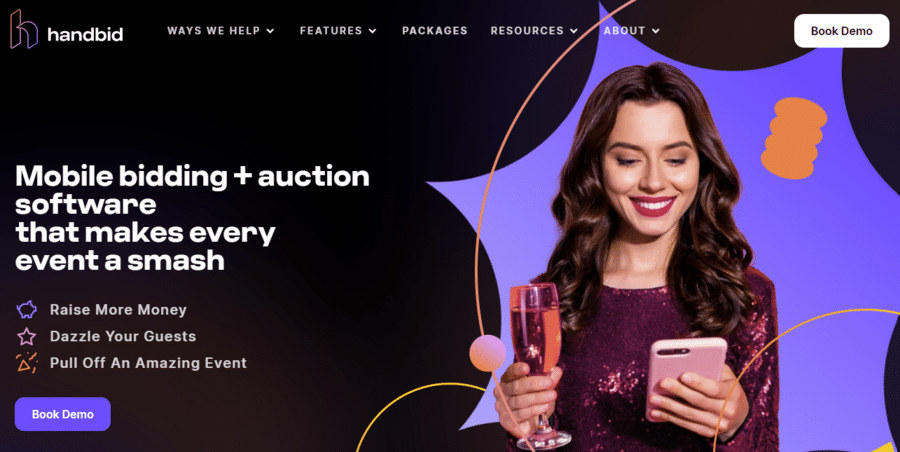
Handbid is an auction app that’s specifically designed to improve the user experience of your nonprofit’s auction attendees. Consider hosting your next silent auction online and trust that your supporters will have all of the tools they need to engage with the event through Handbid’s comprehensive mobile app. With Handbid, you’ll find features such as:
- Live streaming. Live stream to your event attendees during a virtual event. You may choose to show off various auction items during these live streams or simply tell donors more about your mission.
- Auction management tools. Manage your guest list, get new item ideas, and view important statistics about the auction itself in real-time. This means you have accurate and up-to-date information at any time about how many supporters are bidding and the fundraising potential of your event.
- Online and mobile bidding. Your auction attendees have the option to bid on your auction items from their phones with Handbid’s mobile app or from their computers on the dedicated auction site.
17. ClickBid
Best for: Nonprofits transitioning from paper-based to mobile or virtual auctions.
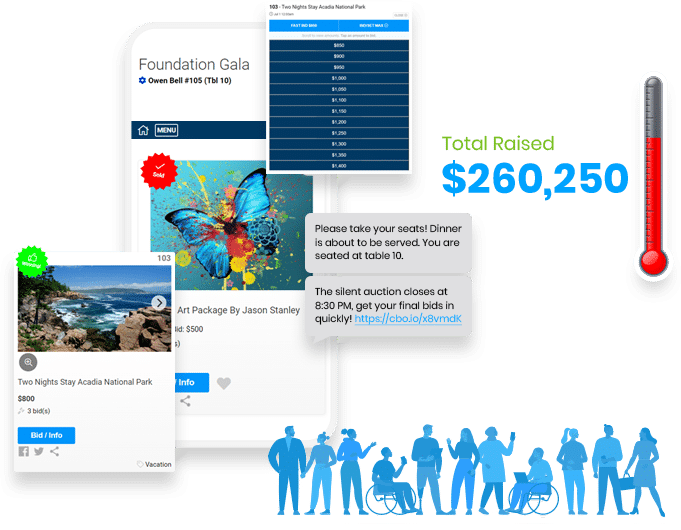
ClickBid specializes in mobile bidding to help nonprofits pivot their classic silent auction to the virtual sphere (or a hybrid event). Their easy-to-use, user-facing features make it a compelling platform to satisfy your supporters. These features include:
- Pre-event check-in. Check your supporters into your event faster so that they can get started bidding in your auction quickly.
- Mobile check-out. Allow your auction winners to quickly and easily check out from your auction event without waiting in line with mobile checkout options.
- Bulk messaging. Use mobile messaging to get in touch with all of your supporters and send quick updates throughout the event.
Best nonprofit software for accounting
Accounting software helps nonprofits manage their finances, including revenue, expenses, budgeting, grants, and other needs. These tools allow nonprofits to maintain organized financial data to support their long-term viability and comply with relevant regulations. Here are a few accounting solutions to keep in mind:
18. QuickBooks
Best for: Nonprofits that want widely recognized, IRS-compliant accounting tools.
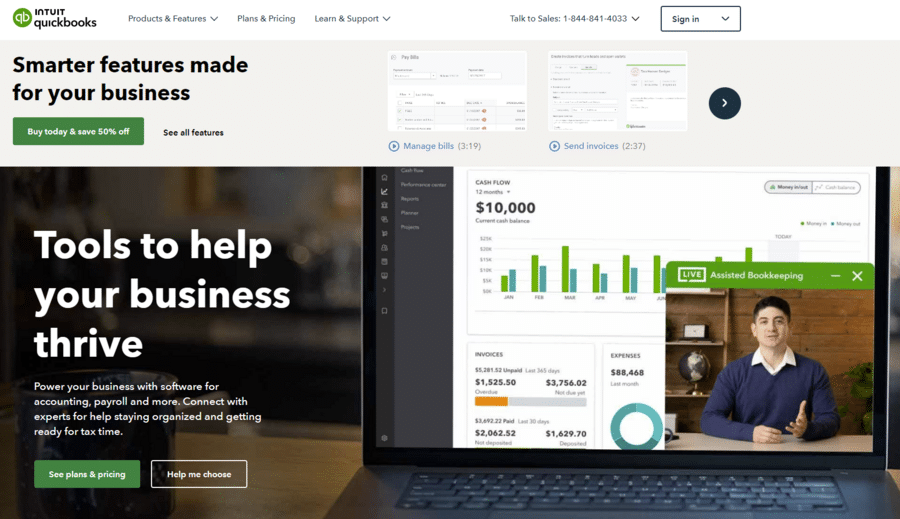
QuickBooks is a widely used accounting platform for businesses. They also offer nonprofit accounting software to help nonprofits remain compliant with IRS regulations and take their fundraising campaigns to the next level. This platform offers helpful features such as:
- Simple expense reporting. Sort expenses by fund or program and design customized reports based on the data points that are most relevant to your organization.
- Automation. Streamline reporting even further by accessing automated reports via email.
- Integrations with other fundraising solutions. Integrate QuickBooks with platforms like Bloomerang to sync your fundraising campaigns with your accounting software and view all financial data in one place.
19. Financial Edge NXT
Best for: Mid-to-large nonprofits with complex fund accounting needs.

Financial Edge NXT is Blackbaud’s fund accounting software for nonprofits. This platform empowers nonprofits to save time, increase accountability, and ensure compliance with financial regulations. Users can access features like:
- Automated budgets and reports. Reduce the time needed to compile reports manually and consolidate financial reporting into easily accessible resources.
- Documentation storage. Keep track of important documents like donor agreements, grant proposals, and contracts.
- Dashboards. Access visual representations of your financial performance at any time to confidently make data-driven decisions.
20. Aplos
Best for: Small nonprofits and churches that need an all-in-one financial and donor management solution.
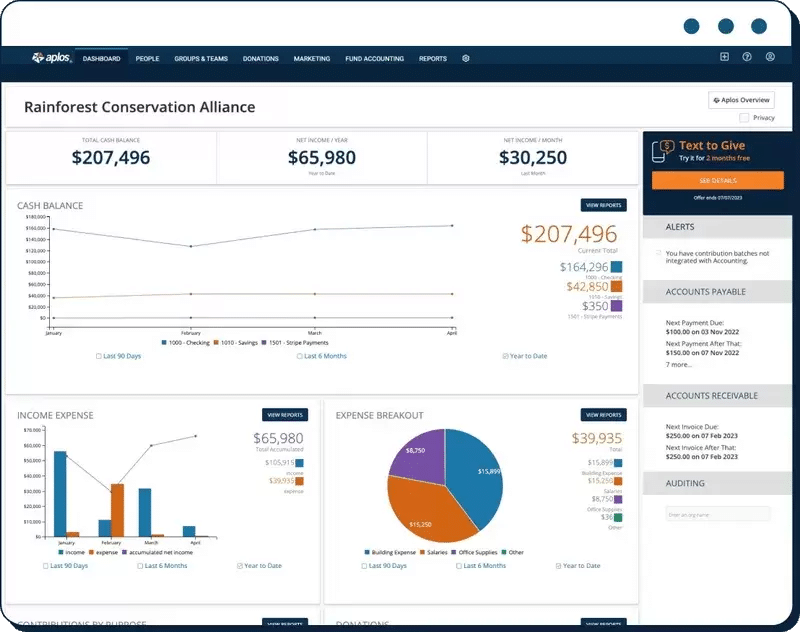
Aplos provides financial management tools for nonprofits and churches. The platform also offers other nonprofit management tools, like donation software and a CRM, to help organizations grow donor relationships and fundraising.
Here are a few stand-out features of Aplos’ accounting tools:
- Custom chart of accounts. Design a chart of accounts that’s personalized to your nonprofit’s needs and use tags to better manage different campaigns and projects.
- Donation reporting. Gain greater visibility and insight into your giving campaigns with features like pledge tracking, lapsed donors, and donation tracking by donor.
- Giving statements. Prepare monthly, quarterly, and annual giving statements in just a few clicks to ensure compliance.
Key features to look for in nonprofit software
When evaluating any nonprofit software solution, prioritize tools that align with both your mission and your operational realities. Here are the most important features to assess:
- Integrated platform: Choose a unified platform that consolidates donor management, fundraising, volunteer management, and marketing tools. Integration eliminates duplicate work and gives staff more time to do what they do best—ignite impact.
- Donor data management: A strong solution should centralize donor information into a clear, 360-degree view. Complete profiles and interaction histories help you personalize outreach, deepen relationships, and retain more supporters.
- Marketing automation: Tools that automate email campaigns, schedule social posts, and segment your audiences make it easier to share the right message with the right supporters at the right time—boosting fundraising efforts’ success.
- Grants and program management: Robust grants and program management capabilities help you track funding opportunities and measure program results, giving your team clarity and confidence as you grow.
- Volunteer and membership management: A purpose-built platform helps you coordinate volunteers, track engagement, and nurture the communities that keep your mission moving forward.
- AI-powered insights: Modern tools with AI can uncover giving patterns, surface major-gift prospects, and guide your outreach with precision. With intelligent insights, every ask becomes more strategic—and more meaningful.
- User-friendly interface and support: Your software should be intuitive for your team to use and backed by reliable customer support that understands nonprofit realities. With the right guidance, your team can implement quickly and keep the momentum going strong.
- Scalability and nonprofit pricing: Free tools can be a great starting point, but growing organizations need software that grows with them. A scalable platform with nonprofit-friendly pricing ensures you’re investing not just in features, but in long-term impact and efficiency.
A word of caution: Many nonprofits start with free or low-cost tools that lack essential features. The long-term cost of switching platforms or managing inefficient systems often outweighs initial savings. Prioritize software that provides a unified, scalable foundation for your work.
How much does nonprofit software cost?
Nonprofit software pricing depends on your organization's size, the features you need, and whether you choose one unified platform or several separate tools. Many purpose-built nonprofit platforms offer nonprofit-specific pricing that differs from standard business software rates, so it's always worth asking vendors directly about available discounts. Investing in a scalable platform upfront often costs less over time than patching together free tools or switching systems as your needs grow.
How to choose the right software for your nonprofit
Selecting nonprofit software is not a one-size-fits-all decision. Use these four steps to evaluate your options with confidence:
- Audit your current tools. List every platform your team uses today and identify gaps, redundancies, and pain points. This reveals where a new tool would have the greatest impact.
- Define your must-have features. Separate essential features (e.g., donor database, online giving forms) from nice-to-have features (e.g., AI prospect scoring, auction management). This prevents over-investing in capabilities you won't use.
- Evaluate total cost of ownership. Compare not just monthly subscription fees but also implementation costs, training time, support quality, and the cost of switching platforms later.
- Prioritize integration. Choose tools that connect with each other—or a single unified platform like Bloomerang's Giving Platform—to avoid siloed data and manual data transfers between systems.
A fundraising expert's prioritization framework
Fundraising expert Rachel Muir, CFRE, weighs in on the most effective way to decide on nonprofit software that best suits your nonprofit:
Trying to decide which platform is right for you can quickly get confusing and overwhelming. You can’t remember which company offers which feature and you’re already starting to worry about buyer’s remorse.
The best approach?
Get clear on your needs. What are the must-have requirements you want in a new CRM? No one knows your organization’s needs and use cases better than you and your team.
Prioritize each functionality with these three categories:
- Must have: Without it, staff waste time, donors have a poor experience, or critical work doesn't get done.
- Nice to have: Helpful, but not worth delaying your purchase or stretching your budget.
- Unnecessary: Features that sound impressive in a demo but won't meaningfully improve your team's work.
Have everyone who uses your CRM walk through their daily workflow to ensure you haven't left anyone or anything out.
There’s tremendous diversity in the functionality nonprofits need, so please invest time at the outset identifying the features you rely on before you start scheduling demos.
It’s the only way to ensure you walk away with a system that satisfies your must-have requirements instead of ending up with a mediocre platform filled with features that are merely “nice to have.”
Frequently asked questions about nonprofit software
What is the best software for nonprofits?
The best software for nonprofits depends on your size, budget, and priorities — but most organizations start with a dedicated CRM, like Bloomerang, to manage donor relationships, then add fundraising, event, grant, or accounting tools as their needs grow. A unified platform reduces manual work and gives your team more time for the mission.
What is the most widely used CRM for nonprofits?
Bloomerang and Salesforce (via its Nonprofit Success Pack, or NPSP) are among the most widely used CRM platforms in the nonprofit sector. Bloomerang is purpose-built exclusively for nonprofits and is particularly popular among small-to-midsize organizations focused on donor retention.
Is there free nonprofit software available?
Yes. Several platforms offer free or heavily discounted tiers for nonprofits. Google Workspace for Nonprofits, Canva for Nonprofits, and Eventbrite (for free events) are among the most widely used free options. However, free tools often lack advanced features like AI-powered insights, robust reporting, or CRM integration, so they're best used as supplements to a core paid platform.
What is the difference between a nonprofit CRM and fundraising software?
A nonprofit CRM (like Bloomerang) stores and manages donor data, tracks engagement, and supports relationship building over time. Fundraising software (like Bloomerang Fundraising or Fundraise Up) provides the tools donors interact with directly — online donation forms, peer-to-peer pages, event registration, etc. Many nonprofits use both together, ideally with an integration or within a unified platform.
How does matching gift software work?
Matching gift software like Double the Donation's 360MatchPro embeds into your donation page and prompts donors to check whether their employer offers a corporate matching gift program. When a match is identified, the platform automates the submission process — either guiding the donor or completing the request automatically on their behalf. This unlocks revenue that would otherwise go unclaimed (an estimated $4–7 billion per year industry-wide).
What nonprofit software is best for small nonprofits?
Small nonprofits benefit most from integrated platforms that cover multiple functions at an affordable price. Bloomerang, Aplos, and GiveButter are frequently recommended for smaller organizations. Google Workspace for Nonprofits and Canva provide free productivity and design tools that reduce overhead.
Do nonprofit software platforms offer discounts?
Most purpose-built nonprofit software platforms offer nonprofit pricing. Additionally, programs like Google for Nonprofits, Canva for Nonprofits, and TechSoup offer free or steeply discounted access to mainstream tools. Always ask vendors directly about nonprofit discount programs before purchasing.
Wrapping up
With the tools in this guide, your nonprofit can build a comprehensive, effective nonprofit software ecosystem. To learn more about nonprofit software and the best ways to use it, review these additional resources:
- 15 top online fundraising platforms to ramp up donations. If you’re looking specifically for software to help manage online fundraising, this Bloomerang guide is a great place to start.
- 30 best practices to optimize your nonprofit donation page. Designing a streamlined, visually appealing donation page is crucial to driving online donations. Find out the best ways to design your giving form with this guide.
- Peer-to-peer fundraising: the ultimate guide for success. Peer-to-peer fundraising is an effective online fundraising opportunity. Learn more about how to launch a successful campaign.