16 Top Nonprofit CRM Software Solutions to Manage Supporters in 2027


If you’re shopping for a nonprofit CRM, you’ve probably noticed that every comparison list names the same platforms in a different order—which isn’t helpful. You need one that fits your team, whether you’re still logging gifts in spreadsheets or have outgrown your first database.
The right nonprofit CRM gives you time back for what matters: connecting with your supporters. A nonprofit CRM (constituent relationship management system) keeps everything you know about them in one place, from giving history to event attendance, so you can personalize outreach and keep more donors giving year after year. No wonder 94% of fundraisers already use one, according to our Mission Retainable Report.
This guide matches each top platform to the organizations it serves best, compares pricing side by side, and walks through how to choose and switch with confidence.
What is a nonprofit CRM?
A nonprofit CRM is a software platform that helps you store, organize, and act on everything you know about your donors, volunteers, and members, from giving history to event attendance. With this information in one place, you can reach out to each supporter in a way that reflects their relationship with your mission, which strengthens stewardship and supports donor retention.
Want to learn more about nonprofit CRMs and other types of nonprofit software? Explore the nonprofit software glossary page for an in-depth definition.
16 best nonprofit CRM software solutions
Every platform on this list gets the same review: target audience, core features, pros, cons, and pricing. The details come from each vendor’s website and customer review sites like G2 and Capterra.
Bloomerang leads the list because it’s the platform behind this guide, but it gets the same review as everyone else, drawbacks included. A few entries, like HubSpot, are general-purpose CRMs that many nonprofits adapt, not tools built for nonprofits. Look for a note in their reviews so you can compare like with like.
1. Bloomerang CRM
Ideal for: Nonprofits of all sizes focused on donor retention and sustainable fundraising growth.
Bloomerang CRM is dedicated to helping nonprofits build relationships with their supporters, raise funds, and ultimately retain more support year after year. This solution was designed by industry experts and consultants who are familiar with nonprofit challenges and how technology can address those roadblocks.
Check out how real nonprofits like the Boys & Girls Clubs of Hawaii use Bloomerang to raise more by watching the video below:
Top features
Bloomerang’s donor management features include:
- Robust donor profiles customized and built to meet your organization’s needs
- An engagement and generosity score to help identify your most engaged donors with a high giving capacity
- Peer-to-peer fundraising and crowdfunding functionality to expand your digital fundraising efforts
- Integrations with solutions like QuickBooks, Mailchimp, Constant Contact, Amilia, and Verified First
What we like about this nonprofit CRM
Bloomerang offers a unified giving platform and a friendly user experience. Bloomerang’s CRM and other products are built with donor retention in mind, meaning features are designed to help users spend less time on administrative tasks and more time building relationships.
Potential drawbacks and what to look out for
Bloomerang prioritizes simplicity, so teams that want heavy customization may find it more limited than other platforms.
Pricing
Bloomerang’s CRM pricing starts at $125 per month and scales up in small increments, ensuring affordability for all nonprofits.
2. Salesforce
Ideal for: Large nonprofits with technical staff or budget for implementation consulting.
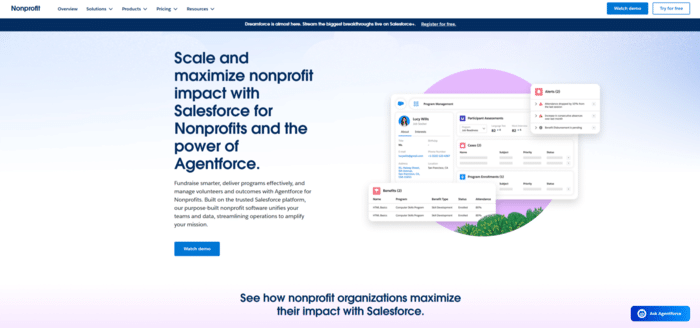
Salesforce is used by both for-profits and nonprofits alike. Nonprofits can use the nonprofit version of the software called Nonprofit Cloud. Then, they can further configure the software with various apps and integrations to serve the strategic needs of their organizations.
Top features
Features native to the Salesforce CRM software include:
- Customizable donor profiles
- Program management features to use the CRM for more than just fundraising
- Out-of-the-box reports and personalized dashboards to choose from
What we like about this nonprofit CRM
Extensive customizability allows nonprofits to tailor the platform to their unique needs and goals. Additionally, scalability and flexibility make it easy to expand your use of the tool as your organization grows.
Potential drawbacks and what to look out for
Organizations considering Salesforce should be aware that hiring an outside consultant is often necessary to configure their system, and this can be an expensive undertaking.
Pricing
Salesforce Nonprofit Cloud pricing starts at $70 per user per month. Keep in mind that migrating to, implementing, and customizing the Salesforce platform may require asking a nonprofit tech specialist for assistance, which can introduce extra costs.
3. Blackbaud Raiser’s Edge NXT
Ideal for: Mid-sized to large nonprofits with complex major and planned giving programs.
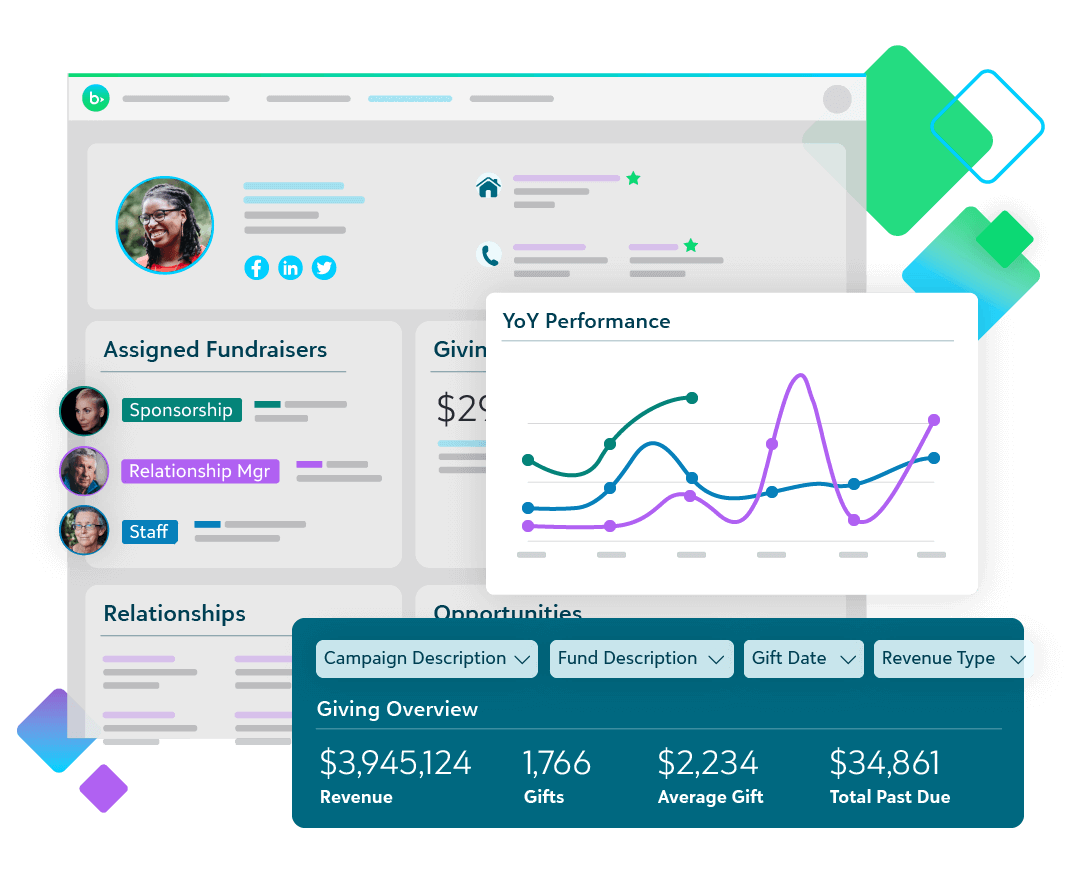
Blackbaud offers two different CRM solutions depending on the size of your organization. Blackbaud Enterprise Fundraising CRM is an enterprise-level solution built to manage data for large-scale organizations. Raiser’s Edge NXT is designed to meet the needs of mid-sized and growing organizations.
Top features
Blackbaud’s Raiser’s Edge NXT solution includes features like:
- Cultivation tools to discover hidden talent and potential in your donor database
- Built-in analytics to identify new opportunities and draw insights from your data
- Data enrichment services to learn more about your donors and prospects
- Built-in dynamic email campaign capabilities
What we like about this nonprofit CRM
Raiser’s Edge NXT is a robust system and offers integrations with many third-party applications.
Potential drawbacks and what to look out for
Raiser’s Edge NXT requires some technical experience. Creating and managing queries can be complex, especially for users unfamiliar with database querying languages.
Pricing
Reach out to Blackbaud to learn more about pricing for different solutions.
4. Neon CRM
Ideal for: Growing nonprofits seeking a user-friendly interface with membership tools.
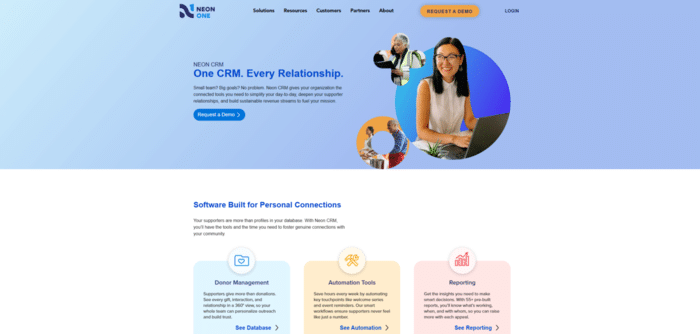
Neon CRM is designed to help nonprofits grow, inspire their audience, and increase supporter engagement. This CRM is accompanied by fundraising, advocacy, and marketing solutions.
Top features
Some of the core features of this CRM solution include:
- Donor and volunteer profiles and relationship-tracking tools
- Supporter segmentation and email marketing
- Customized online stores to sell nonprofit merchandise
- Grant management and tracking options
What we like about this nonprofit CRM
Customers note ease of use and an intuitive interface as positives of this platform.
Potential drawbacks and what to look out for
Neon CRM’s reporting process is complicated, requiring users to build and view report outputs on separate screens.
Pricing
Neon CRM’s pricing packages start at $99 per month and scale up for additional features.
5. DonorPerfect
Ideal for: Nonprofits that want unlimited user access and video thank-you functionality.
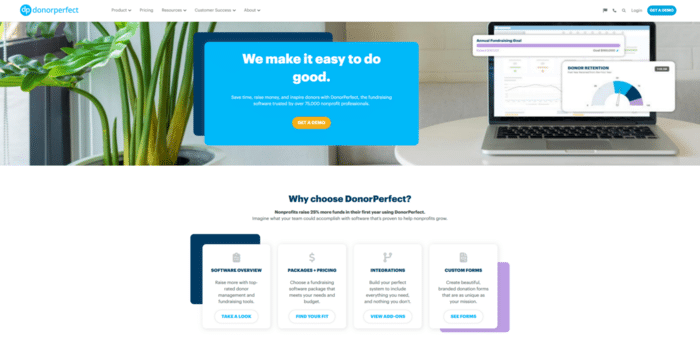
DonorPerfect allows nonprofits unlimited user access to their comprehensive nonprofit CRM software. You can store data in detailed profiles, build relationships, boost fundraising efforts, and automate various activities for your organization.
Top features
Features included in DonorPerfect’s CRM software include:
- Internal DonorPerfect payment processing, allowing you to collect your funds faster
- Customizable donation forms that capture supporters’ attention and encourage them to give
- Time-saving automation tools such as seamless marketing personalization
What we like about this nonprofit CRM
DonorPerfect allows organizations to thank donors with custom video messages sent via email.
Potential drawbacks and what to look out for
DonorPerfect’s user interface is more outdated and complex than modern solutions like Bloomerang. Customers also say the report generation process isn’t very intuitive.
Pricing
Learn about pricing and get a quote on the DonorPerfect website.
6. Keela
Ideal for: Data-focused fundraising teams that want AI-driven donor insights.
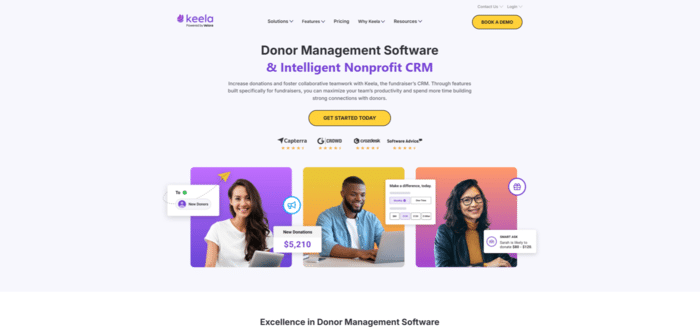
Keela’s nonprofit CRM platform prioritizes improved donor management, enhanced stakeholder engagement, and efficient fundraising.
Top features
Notable features of this platform include:
- Data analytics tools to predict donors’ next actions
- Powerful segmentation tools that further personalize donor communications
- Automated welcome series for new donors to provide a positive first impression
What we like about this nonprofit CRM
Real-time donor insights and predictions help determine the right gift request amounts for each donor.
Potential drawbacks and what to look out for
This platform's downsides include limited email functionality and flexibility. Additionally, Keela’s solution is great for fundraising but lacks advanced donor loyalty and engagement features that facilitate increased retention.
Pricing
Keela’s pricing starts at $164 per month and increases with the number of contacts.
7. CharityEngine
Ideal for: Mid-sized and growing nonprofits focused on recurring giving, including those with multi-currency needs.
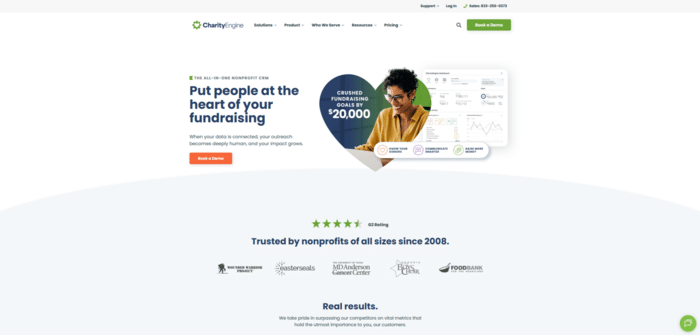
CharityEngine offers all-in-one nonprofit software. In addition to comprehensive donor profiles and data-tracking technology, they offer other built-in solutions that help organizations with marketing, advocacy, fundraising, and more.
Top features
Some of the most notable features of this platform include:
- Customized donation pages, built for mobile responsiveness and engagement
- PCI-certified payment processing solutions for secure payments
- A user center, allowing nonprofit supporters and donors to control their engagement experience
- Direct mail and email marketing campaigns that make it easy to reach your ideal supporters
What we like about this nonprofit CRM
CharityEngine is well-positioned to support international nonprofit operations, with international security measures and multi-currency support.
Potential drawbacks and what to look out for
Be aware of drawbacks such as a lack of communication about updated features and bug fixes, unhelpful help center resources, and minimal product use training.
Pricing
Head to the CharityEngine website to learn about pricing.
8. Giveffect
Ideal for: Nonprofits seeking a broad, consolidated suite of tools.
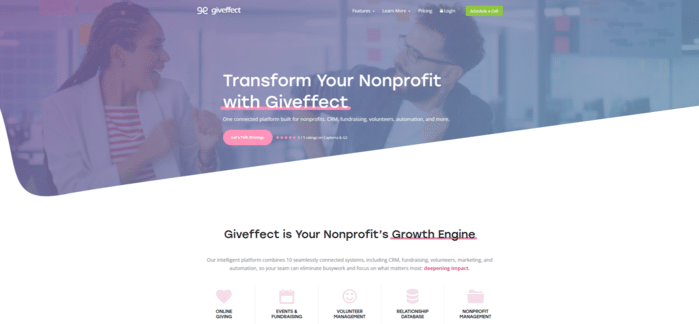
Giveffect calls its platform a “10-in-1 nonprofit software.” The solution offers tools for everything from volunteer management to marketing and communications and online giving.
Top features
Features of this nonprofit CRM include:
- 360-degree constituent views, with information about donors’ giving histories, event attendance, wealth, and more
- Automation features that allow you to send personalized thank-you notes and invitations
- Custom donor groupings to make records easier to locate
What we like about this nonprofit CRM
Giveffect offers a very broad range of nonprofit tools in one platform—this includes relationship tracking, advanced reporting, volunteering, membership management, and more.
Potential drawbacks and what to look out for
Giveffect is more expensive than similar CRMs, making it a costlier investment for small nonprofits. Additionally, limitations like poor email functionality can hamper your marketing efforts.
Pricing
Contact Giveffect for pricing.
9. Virtuous
Ideal for: Mid-sized to large nonprofits that want automated, personalized donor journeys.
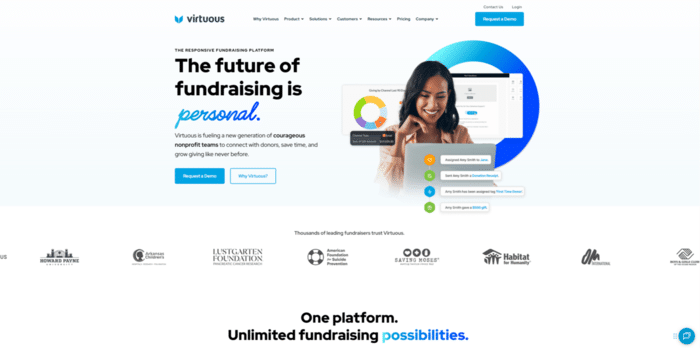
Virtuous brings together nonprofit CRM, fundraising, volunteer, and marketing tools into one platform. Their solution is designed to boost donor retention, increase average gift sizes, and save administrative time.
Top features
This CRM equips nonprofits with features like:
- Flexible dashboards for 360-degree donor views
- Integrated wealth insights and social and demographic data to identify top prospects
- Project and campaign reporting, goal tracking, and grant management
What we like about this nonprofit CRM
Virtuous is based on a Responsive Fundraising framework that places donor-centricity and personalized communications at the forefront of donor engagement. In practice, this includes tools for social listening, marketing automation, responsive gift arrays, and more.
Potential drawbacks and what to look out for
Customer support is a drawback of this platform, as users note issues like slow response times and difficulty contacting the support team.
Pricing
Contact Virtuous for custom pricing.
10. Little Green Light
Ideal for: New or very small nonprofits transitioning from spreadsheets.
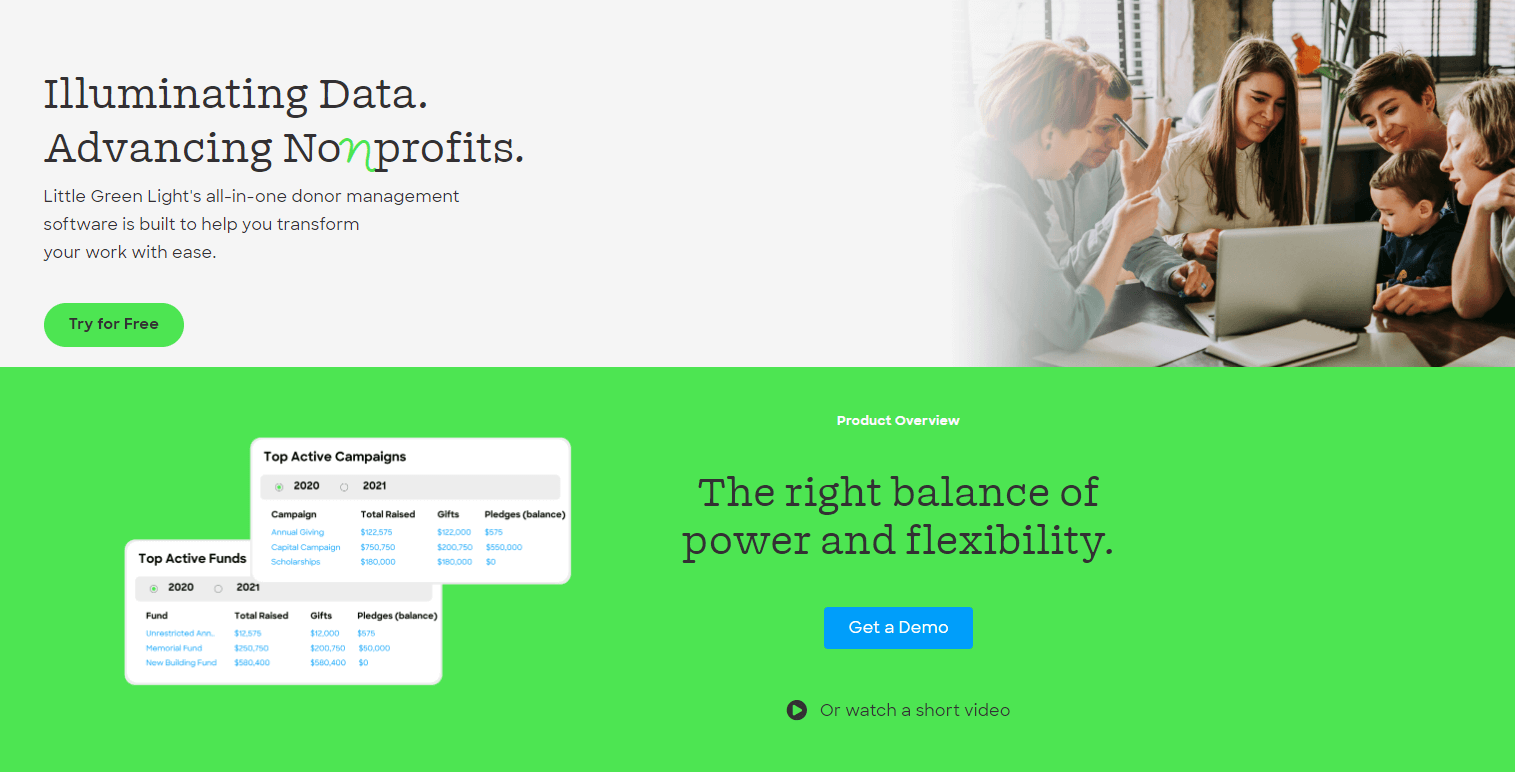
Little Green Light’s nonprofit CRM is tailored to small and mid-sized organizations looking for all-in-one donor management software. Organizations turn to this solution for robust integrations, data centralization, and flexibility.
Top features
Stand-out features of this platform include:
- Prospect identification with the help of custom reports
- Online donation forms embedded into your website
- Comprehensive constituent profiles with giving history, relationships, and more
What we like about this nonprofit CRM
Little Green Light’s pricing and functionality are ideal for new or small nonprofits looking to transition from Excel to their first CRM.
Potential drawbacks and what to look out for
This platform may not be well-suited for larger or more established nonprofits seeking comprehensive features, support, and reporting capabilities. Organizations looking for responsive support and robust functionality should consider alternative options.
Pricing
Pricing starts at $486 per year.
11. Bonterra EveryAction
Ideal for: Mid-sized to large nonprofits that run fundraising and advocacy programs together.
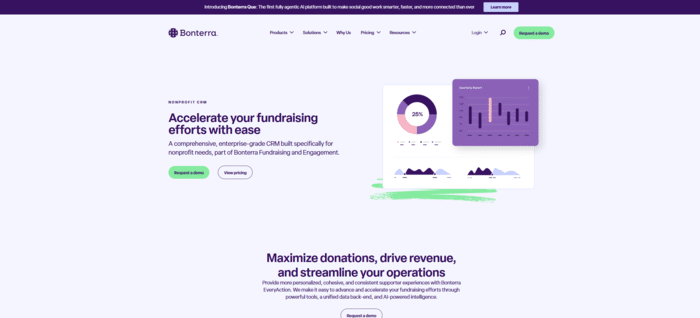
Bonterra provides software to power social good. The EveryAction platform is an AI-powered CRM that combines a donor CRM, online fundraising, advocacy tools, and email and text marketing in one system.
Top features
Effective features of this platform include:
- Data-driven insights and predictive AI to help shape campaigns
- Multi-channel communication tools for coordinated email, text, and social campaigns
- Reporting tools to analyze performance across online and offline gifts
What we like about this nonprofit CRM
Bonterra EveryAction brings fundraising and advocacy together in one system. Donors and advocates share a single contact record, so you can see who signed a petition, who gave, and who did both.
Potential drawbacks and what to look out for
EveryAction is built for growing mid-sized, large, and enterprise nonprofits, so smaller teams may find it more than they need.
Pricing
Contact Bonterra for pricing information.
12. DonorDock
Ideal for: Small to mid-sized nonprofits that want unlimited contacts without a long-term contract.
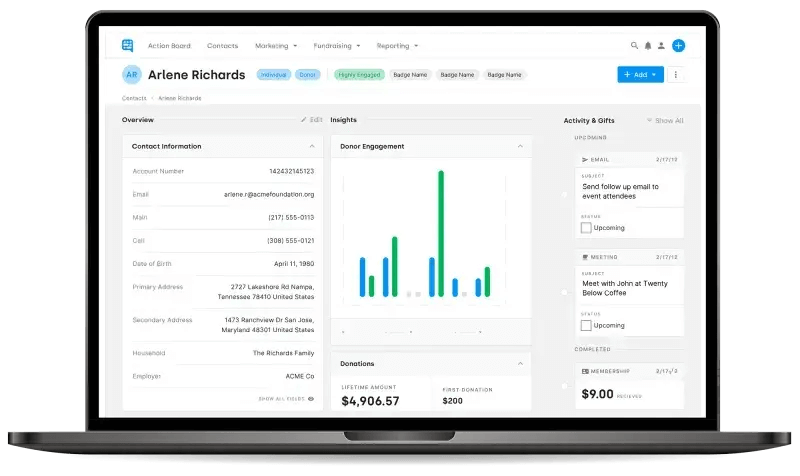
DonorDock is a donor management system for small nonprofits. Unlimited contact records and online giving make DonorDock an effective option for organizations that have outgrown spreadsheets.
Top features
Nonprofits can use features such as:
- List and segment creation for marketing, fundraising, or tracking purposes
- Automations triggered based on events like first-time donations or giving anniversaries
- Campaign, fund, and appeal management
What we like about this nonprofit CRM
Users like the user-friendly interface of this platform. Their transparent pricing structures are also a plus.
Potential drawbacks and what to look out for
Look out for drawbacks such as limited built-in integrations and basic communication features.
Pricing
DonorDock's pricing starts at $500 per month.
13. Funraise
Ideal for: Small and growing nonprofits focused on online and mobile giving.
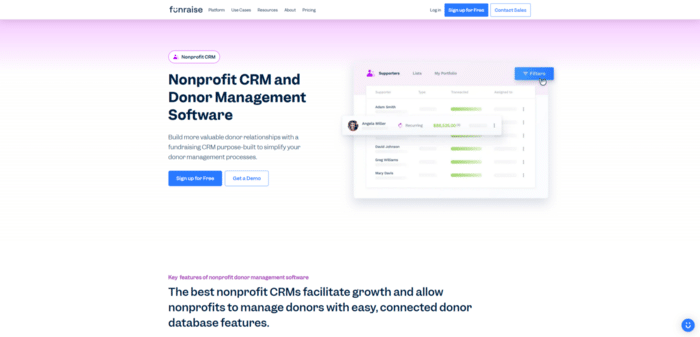
Funraise equips nonprofits with CRM software to track donor information and manage workflows. You can also integrate Funraise with Salesforce to maximize CRM functionality.
Nonprofit CRM features
Organizations turn to this CRM for features like:
- Custom segmentation and filters
- Household management to organize families or supporter groups
- Interaction tracking to document supporter communications
What we like about this nonprofit CRM
Users say that the customer service team is friendly and proactive, getting back quickly to answer questions and concerns.
Potential drawbacks and what to look out for
Funraise doesn’t offer membership management features for nonprofits seeking to organize their monthly giving or major donor membership programs.
Pricing
Funraise has a free plan with a 5% platform fee, and you can receive pricing for paid plans by reaching out to their team.
14. CiviCRM
Ideal for: Technically proficient nonprofits that need a free, fully customizable platform.
CiviCRM offers open-source CRM software for nonprofits. You can use the platform by itself or integrate with Drupal, WordPress, Joomla, or Backdrop.
Nonprofit CRM features
Top features of this tool include:
- Contact management with records for each contact as well as membership management functionality
- Accounting integration to easily track gifts
- Over 40 standard reports and the option to create custom reports
What we like about this nonprofit CRM
The open-source nature of the software allows it to be highly customizable and expandable. You can configure the system to your unique needs and priorities.
Potential drawbacks and what to look out for
The software takes a lot of work to set up and requires someone with technical expertise to keep the platform running.
Pricing
CiviCRM is free to use and download.
15. Givebutter
Ideal for: Small nonprofits running campaigns and events that want to start with minimal upfront cost.
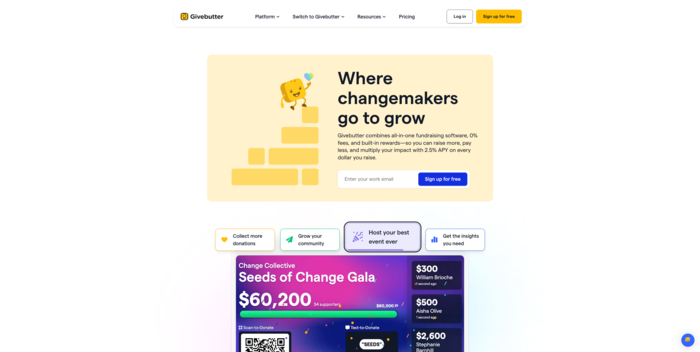
Givebutter is an all-in-one fundraising platform with a built-in donor database. It combines donation forms, event ticketing, auctions, and peer-to-peer campaigns with a free CRM, so small teams can raise money and track supporters without paying for a separate system.
Top features
Givebutter’s CRM includes:
- Contact profiles showing giving history, recurring gifts, event tickets, and activity in one view
- Household and relationship linking for individuals, families, and businesses
- Segments and filters, including preset groups like lapsed or one-time donors
- Pledge, soft credit, and matching gift tracking
What we like about this nonprofit CRM
Givebutter’s free plan includes unlimited users and contacts, plus free 24/7 live chat and email support.
Potential drawbacks and what to look out for
The free plan relies on donors choosing to leave a tip. If you turn tips off, Givebutter charges a 3% platform fee plus standard processing fees, which adds up as your fundraising grows.
Pricing
Givebutter is free to use with optional donor tips. Givebutter Plus starts at $29 per month, with higher tiers based on the size of your database.
16. HubSpot
Ideal for: Marketing-heavy nonprofits that are comfortable adapting a general-purpose CRM.
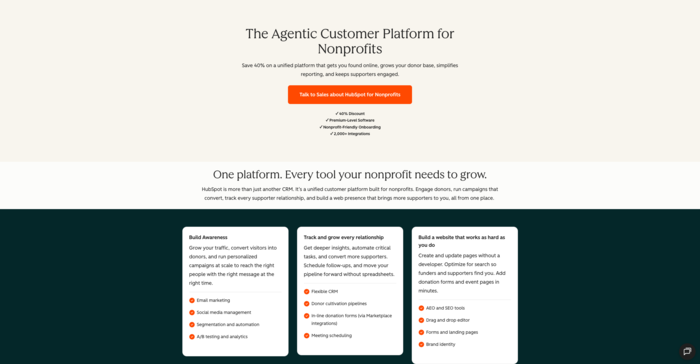
HubSpot is a customer platform used by businesses and nonprofits alike, combining a free CRM with paid tools for marketing, sales, and service. It isn’t built specifically for nonprofits. However, organizations can adapt it for fundraising by renaming its default records, for example, changing “Deals” to “Donations,” and connecting fundraising tools that sync gift data into the CRM.
Top features
Nonprofits using HubSpot can take advantage of:
- Donation records linked to each contact, covering one-time gifts, recurring gifts, pledges, in-kind gifts, and grants
- Donor cultivation pipelines to track relationships from first gift to major gift
- Volunteer tracking for onboarding progress, hours, and milestones
- Integrations with fundraising platforms like Fundraise Up, Donorbox, and GoFundMe Pro
What we like about this nonprofit CRM
HubSpot’s marketing tools are among the strongest available, which makes it a good fit for organizations whose outreach depends on email campaigns, landing pages, and automated nurture sequences.
Potential drawbacks and what to look out for
Because HubSpot was designed for sales and marketing, nonprofits need to configure it for fundraising and rely on separate tools to collect donations.
Pricing
HubSpot offers a free CRM, and paid plan costs vary by product and tier. Eligible nonprofits can receive 40% off new Professional or Enterprise products on an annual contract through the HubSpot for Nonprofits program. Starter plans aren’t included in the discount.
7 essential nonprofit CRM features to look for
Different CRMs prioritize different features to help you make sense of donor data in different ways. Still, most nonprofit CRMs share a few standard features to help you learn from and act on donor data.
Look for a CRM that offers features such as:
1. Donor profiles
The donor profiles in your CRM should automatically store each supporter’s contact information, interests, and engagement history. Use them to build donor segments, such as new, long-time, major, or corporate donors, and send each group outreach that fits their interests.
2. Marketing tools
Your nonprofit CRM should let you create and save templates for donor emails and direct mail, like solicitations and acknowledgments. If it doesn’t, it should integrate with platforms that do. Audit tools like the Ahern Audit can also check that your messages center the donor and read at a 6th- to 8th-grade level.
3. Custom dashboard
A dashboard puts your key fundraising metrics front and center. Look for views you can customize to track the numbers that matter most to you. For example, Bloomerang’s dashboard updates retention data daily.
4. Integrations
Integrations reduce manual data entry and the errors that come with it. Look for connections to the tools you already use, including:
- Fundraising and event software
- Marketing platforms like Mailchimp
- Prospect research tools like DonorSearch
- Accounting software like QuickBooks
Intentionally connecting your software through smart integrations helps you manage the transfer and storage of your organization’s data so you can leverage it in campaigns.
5. Online donation pages
Use your nonprofit CRM to create donation pages that offer suggested amounts, recurring giving, and custom fields. With 52% of nonprofit website traffic in 2025 coming from mobile devices, make sure your donation pages are mobile-friendly. When your form connects to your CRM, each gift flows straight into the right donor profile.
6. Supporter timelines
Timelines let you see each supporter’s gifts, volunteer shifts, event attendance, and other interactions, all in one place. The best ones also highlight key figures like lifetime value, years of support, and how fast their giving is growing.
7. Customized reports
Look for pre-built report templates as well as custom reports you can save and rerun each quarter. That way, you can compare results over time and adjust your strategy.
Take the time to sit down with your team to determine which features matter most to you, so you can search for a solution with your needs in mind. Use the checklist below to guide your CRM buying journey:
How to decide which CRM is right for your nonprofit's needs
With such a wide range of solutions to choose from, how can you find the right nonprofit CRM for your unique organization? Use the following steps to find the platform that best fits your team’s needs and implement it effectively:
1. Research your options
Develop your list of top potential solutions by:
- Thinking through the challenges your current system can’t solve
- Reading referrals from trusted nonprofit resources and software reviewers like G2 or Capterra
- Using search engines to find additional solutions and further expand your list
Create your list by choosing several top CRMs that offer most or all of the features you’re looking for.
2. Evaluate pricing
Look beyond the monthly price of each tool. Ask each vendor about implementation, data migration, and training costs, and favor scalable plans that let you add features as you grow. Strong training resources and customer support will also help you get more out of your investment.
3. Narrow your list and request demos
Shortlist two to four platforms that fit your needs and budget. Then, schedule demos of your top options. Ask each vendor questions like:
- Is there a free trial?
- Is implementation support included, or does it cost extra?
- How is our data secured?
- How often is the software updated?
- What’s the full cost, including add-ons?
Taking notes during each demo will come in handy as you compare similar solutions to make your final decision.
4. Make a decision with the help of key stakeholders
During the decision-making process, involve the staff who will use the CRM every day. Ask about their pain points with your current system and their concerns about each finalist.
Your entire team may not agree with your final decision, and that’s okay. Address any remaining reservations and ask team members to fully commit to your new solution once you’ve landed on it. This will help the transition go more smoothly.
5. Create an implementation plan
Once you’ve made your choice, your job isn’t done! You’ll need to develop a nonprofit CRM implementation and training plan. The plan should look something like this:
- Set a goal for when you want the system to be fully operational.
- Work closely with the implementation team and ask plenty of questions.
- Ask for support when you need it. Take advantage of unlimited email and chat support from a provider. Or, call when you need to.
- Consider implementation consulting. Even for a small fee, it can make a big difference in how well your CRM works for your team.
Create a step-by-step plan with specific deadlines to reach full implementation of your nonprofit CRM. Do your best to adhere to these deadlines. That way, you can quickly get back to connecting with supporters and growing your audience.
6. Train your team on your new system
Host several training sessions to get team members up to speed on the new platform. Provide team members with access to training materials that they can use at any point if they need a refresher.
7. Gather feedback and optimize post‑launch
Ask your team members to provide feedback as they get up and running with the CRM. If you notice that several individuals have the same questions, reach out to your software provider to make sure you’re getting the most out of it.
Nonprofit CRM software: FAQs
What features should I look for in a nonprofit CRM?
The most important features include donor profiles, built-in email and direct mail tools, a customizable dashboard, key integrations (fundraising, events, marketing, accounting software), mobile-optimized donation pages, supporter timelines, and customizable reports. For retention-focused organizations, look for daily-updated retention dashboards and engagement scoring.
How do I choose the best donor CRM for my organization?
Start with broad research, define your budget and probe for hidden costs, shortlist two to four finalists, request demos, involve your fundraising team in the decision, and build a structured implementation and training plan before going live.
Can a nonprofit use a general CRM like HubSpot or Salesforce instead of a nonprofit-specific platform?
Yes, but there are trade-offs. General CRMs like HubSpot and Salesforce offer powerful flexibility and broad integration ecosystems, but they require significant configuration to support nonprofit-specific workflows like donor stewardship, grant tracking, and retention reporting. Purpose-built nonprofit CRMs provide these features out of the box, reducing setup time and total cost of ownership.
What is the difference between a nonprofit CRM and a donor database?
A donor database is a component of a nonprofit CRM. It stores contact and giving records. A full CRM goes further, adding communication tools, automation, reporting, integrations, dashboards, and workflow management. Most modern nonprofit CRMs include a robust donor database as their foundation.
Wrapping up
Nonprofit CRM software is the backbone of effective nonprofit strategies. It’s where you collect, organize, and store important information that will power your fundraising initiatives. Choosing the right software is, therefore, an incredibly important decision to make.
To dive deeper into the topic, check out these additional resources:
- How to Buy Fundraising Software That Lasts: Essential Guide. Purchasing new nonprofit software is a decision that requires thoughtful planning. Use this buyer’s guide to help make your choice.
- Donor database buyer’s guide: tips for nonprofit success. A robust donor database is a core component of your nonprofit CRM. Learn more about how to find a CRM with a powerful donor database in this guide.
- Effective donor management: 7 best practices for nonprofits. The right nonprofit CRM will help improve your donor management approach. Explore more donor management tips with this resource.