Free volunteer sign-up sheet templates for any nonprofit




As your events grow larger, the number of volunteers required to keep them running smoothly increases. The sign-up process can become tedious and confusing as you juggle contact information and volunteer preferences while filling empty shifts.
Therefore, it’s more important than ever that your volunteer sign-up form asks the right questions. This blog post provides free volunteer sign-up sheet templates for your organization to use, helping you streamline volunteer recruitment and scheduling.
We’ll explore the following aspects of volunteer sign-ups:
- Free volunteer sign-up sheet templates
- Volunteer sign-up sheet FAQ
- How Bloomerang Volunteer streamlines signups

Free volunteer sign-up sheet templates
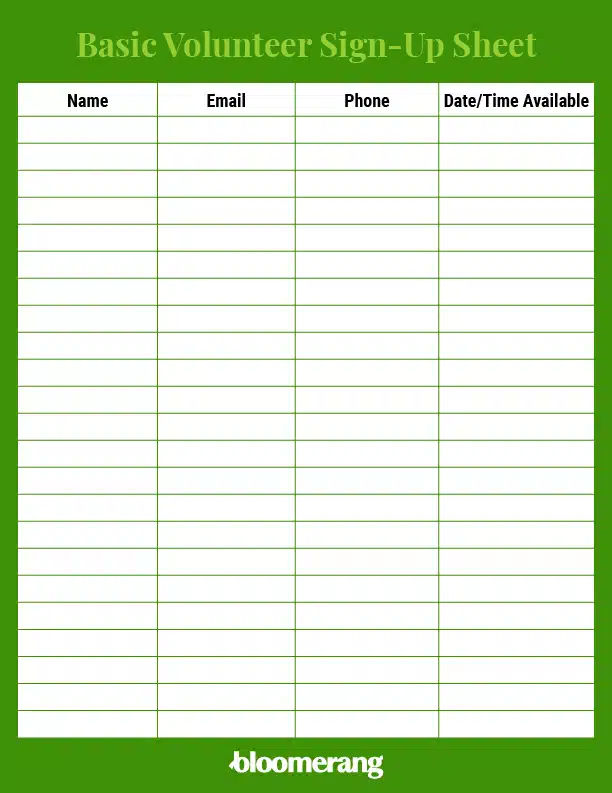
Basic volunteer sign-up sheet
Best suited for: Organizations that require a straightforward sheet to collect basic volunteer details.
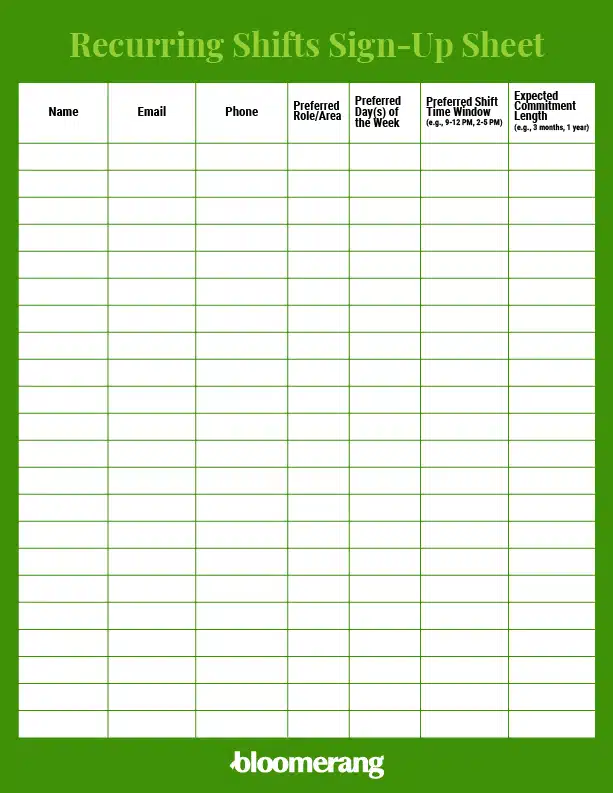
Recurring/shift-based volunteer sign-up sheet
Best suited for: Organizations that require a weekly or monthly commitment, prioritizing consistency for long-term operational roles (e.g., food sorting, reception desk, animal care).
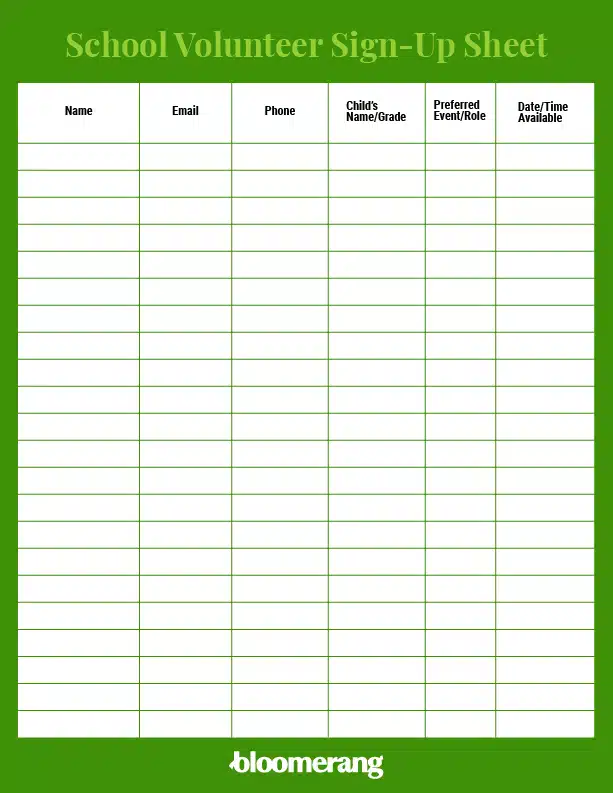
PTA/school volunteer sign-up template
Best suited for: Schools looking for field trip chaperones, book fair assistance, school carnival volunteers, classroom support, or committee roles.
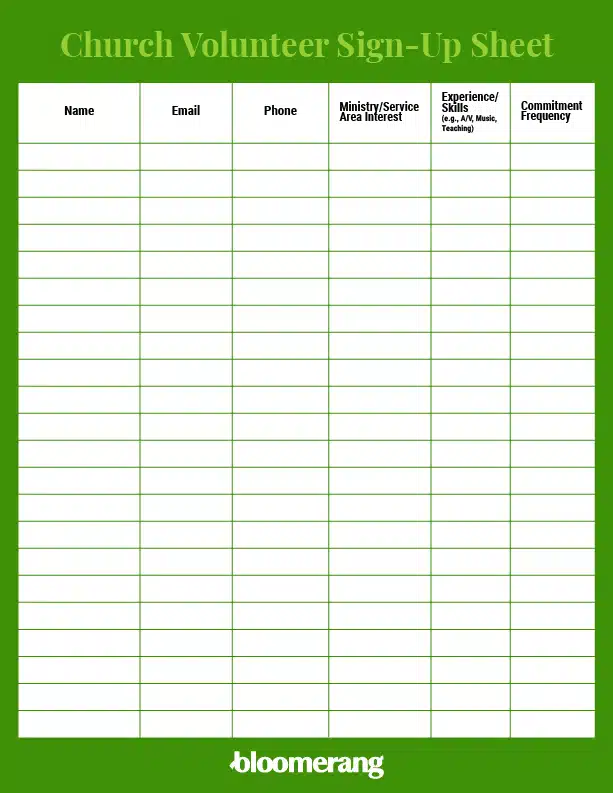
Church/faith-based volunteer sign-up sheet
Best suited for: Religious institutions trying to manage worship teams, Sunday school teachers, outreach programs, welcome/greeter teams, or facility maintenance projects.
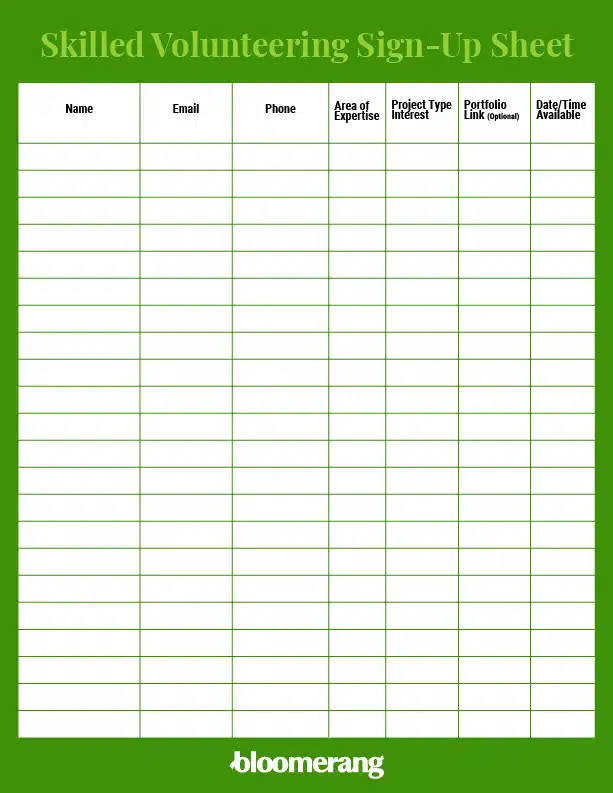
Skill/project-based volunteer sign-up sheet
Best suited for: Organizations seeking skilled professionals with expertise in graphic design, grant writing, HTML/web coding, photography, social media, public speaking, First Aid/CPR, or other relevant areas.

Volunteer sign-up sheet FAQ
What information should I collect from volunteers?
Important personal details
Collect each volunteer’s first and last name, birth date or age (especially if some of your positions require certain age groups), and any other information that would be helpful for your organization to have, such as preferred pronouns.
Contact information
While you want to be able to get in touch with volunteers, avoid asking for too much information to prevent cluttering your database and overwhelming volunteers across different channels. For example, you may just ask for an email address or phone number.
Preferred roles
Giving volunteers the option to specify their preferred roles offers insight into where they feel most confident and capable. This information provides a valuable point of reference for quickly assigning people when needed.
Availability
Have them list the dates and times they are available to work, and if you plan to use shifts, which ones they prefer or are willing to work. Keep this area clean and simple.
Relevant experience and skills
When recruiting volunteers, you’ll want to assess their prior experience with the type of event you are hosting. Are they certified in first aid or CPR, proficient in specific systems your organization uses, or do they possess other valuable skills? For instance, you may seek volunteers with graphic design skills, HTML coding expertise, or experience in public speaking, depending on the roles you’re trying to fill
Provide a short-answer space for volunteers to list these qualifications and any other abilities they believe would be beneficial.
Emergency contact information
To protect yourself and your volunteers in an emergency, have them list their emergency contact information, including their relationship to the person and a contact number.
Should I use a paper form (PDF/Word) or an online form?
Generally, any organization recruiting volunteers needs a digital sign-up form available online. That allows you to recruit prospective volunteers at any time. Plus, when your form is integrated into your constituent relationship management system (CRM), all information on new volunteers flows directly to new or existing supporter profiles.
However, there are a few scenarios where paper forms remain useful. For example:
- PTAs might use a paper form at school meetings.
- Nonprofits might offer a paper form while tabling at a local event, like a festival.
- Schools might use a paper form at sporting events to recruit parent volunteers for field trips or sports games.
Should our liability form be a separate document?
Yes. Liability forms or waivers include specific clauses for the release of photo/media, assumption of risk, and volunteer conduct/termination. High-risk roles, such as handling money, driving, or working with vulnerable populations, may require additional background checks, which you should also handle separately from the volunteer sign-up sheet.
How can we ensure the security of volunteer data?
Volunteers will input sensitive information into your sign-up forms, such as their contact details and addresses. If you’re also collecting donations from them, you’ll be responsible for protecting their payment information.
A secure CRM platform like Bloomerang keeps supporter data safe through stringent access controls, detailed audit logs, and PCI DSS compliance (required for security processing and storing payment card data). Solutions like this are generally more secure than shared spreadsheets, such as Google Sheets, which offer less control over user access and only basic revision history.
What is the optimal workflow after a volunteer signs up?
- Send volunteers a confirmation email immediately for online forms or within 24 hours for printed forms.
- Thank the volunteers for their interest in your program and reiterate the impact of your program (e.g., “We care for hundreds of native trees in our community”).
- Let volunteers know the next steps for getting involved, whether that involves participating in training or signing up for their first shift.
- Inform volunteers about how they can receive updates on your program, such as through email, social media, or text notifications.
How can we boost volunteer sign-up form conversions?
- Mobile-optimize your form. Ensure your digital volunteer sign-up sheet can adjust automatically to fit smaller screens. Make buttons large enough to easily tap and fonts large enough to easily read.
- Add a personal touch by explaining the “why.” Provide a short paragraph or some impact statistics illustrating the power of your volunteer program. For example, you could say, “Last year’s volunteers cleaned up three tons of trash from local community parks, creating safe and clean spaces to relax and play!”
- Offer flexible volunteering opportunities. Offer a wide variety of volunteer roles and shift times to attract a broader range of volunteers. For example, even though your core programs might take place during the workday, you could also consider spotlighting evening and weekend shifts that involve more administrative work, which could be appealing to volunteers who work full-time.
How Bloomerang Volunteer streamlines signups
Bloomerang Volunteer is a powerful volunteer management solution designed to help nonprofits streamline their operations, engage volunteers on the go, and turn passion into long-lasting support.
Bloomerang Volunteer offers the following features to simplify volunteer sign-ups, engagement, and retention:
- AI-powered shift scheduling
- Convenient volunteer mobile app
- Built-in background checks
- Customizable reporting tools
- Tools to recognize and reward volunteers, like milestone badges and leaderboards
Nonprofits using Bloomerang Volunteer recruit 8% more volunteers monthly through our simplified sign-up process and automated follow-up communications.
To see our volunteer tools in action, check out this video about how two nonprofits amplified their impact using Bloomerang Volunteer:

Wrapping up
The information you collect through volunteer sign-up forms will help inform and structure your volunteer crew throughout your event or volunteer opportunity. You can easily access the information you need and stay organized, ultimately providing a better experience for volunteers, event attendees, beneficiaries, and other community members.
Explore these additional free resources to grow your nonprofit’s volunteering and fundraising success:
- 19 creative volunteer recruitment ideas you should try. Leverage these unique and effective volunteer recruitment strategies to bring more supporters into your program.
- Free Fundraising Thermometer Template & Generator | Bloomerang. Use another free tool, our fundraising thermometer template, to track campaign and event success.
- 15 volunteer scheduling software tools & tips for success. Explore additional volunteer scheduling tools to help your organization stay organized.